Hebrew Construct Root Searches

There is still a persistent problem when attempting to perform Hebrew Construct word searches. Here is my screenshot of the error that I got when attempting to do a Hebrew Construct search trying to find two Hebrew words side by side that have the same root:
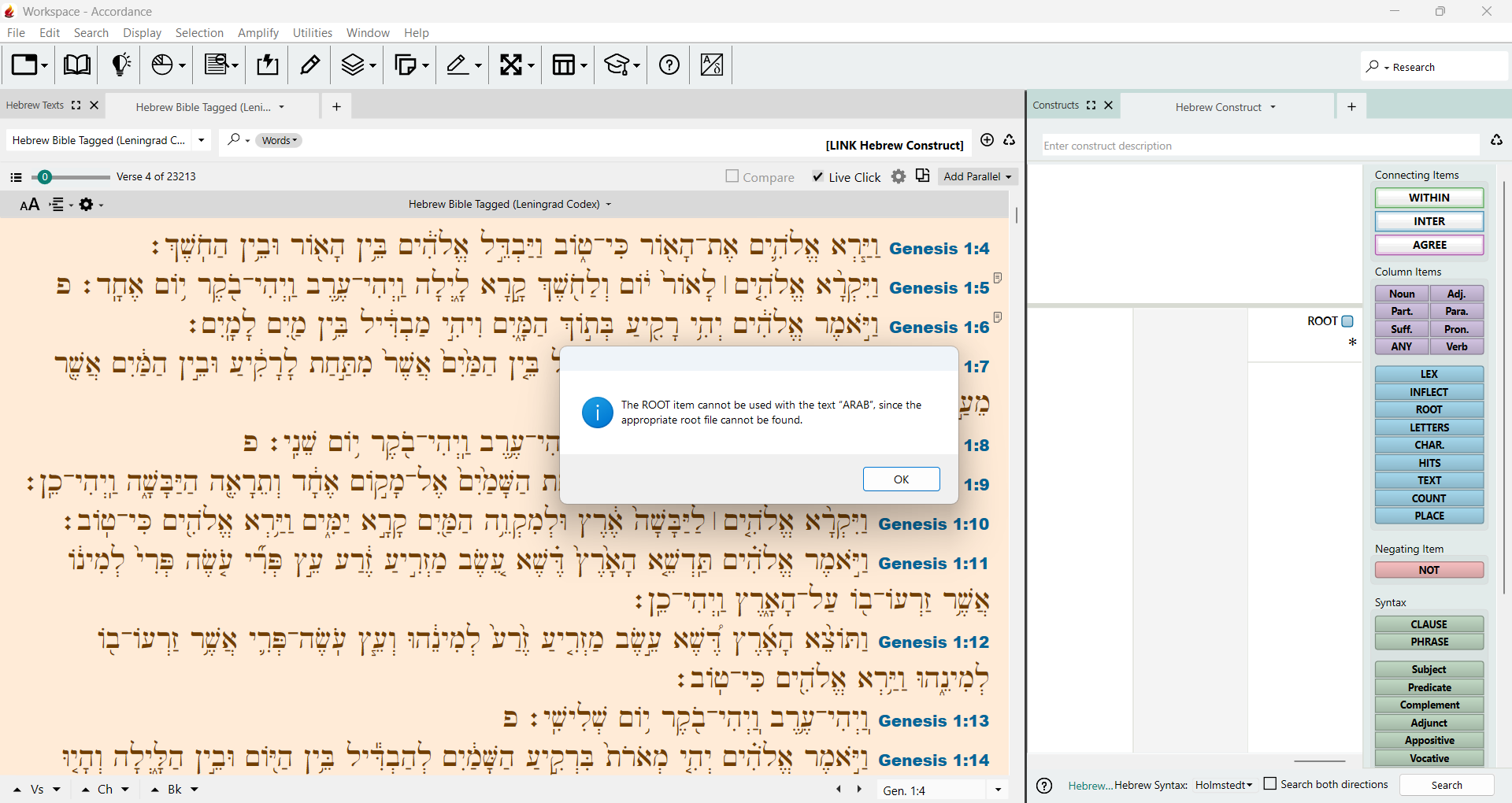
This is Accordance Aleph 14.2.0b3 on Windows 11.
-

Hi Brian,
An Accordance support file was updated in 14.2.0b2 that should have fixed this issue. We have not been able to reproduce the case when Accordance does not update this support file through InApp update.
Can you navigate to C:\ProgramData\Accordance\Gloss folder and provide information on files named “Herbrew Roots” including files size, Date Modified, and if it has an extension (e.g. .agloss)?
Mike
0 -
Here is what you're asking for:
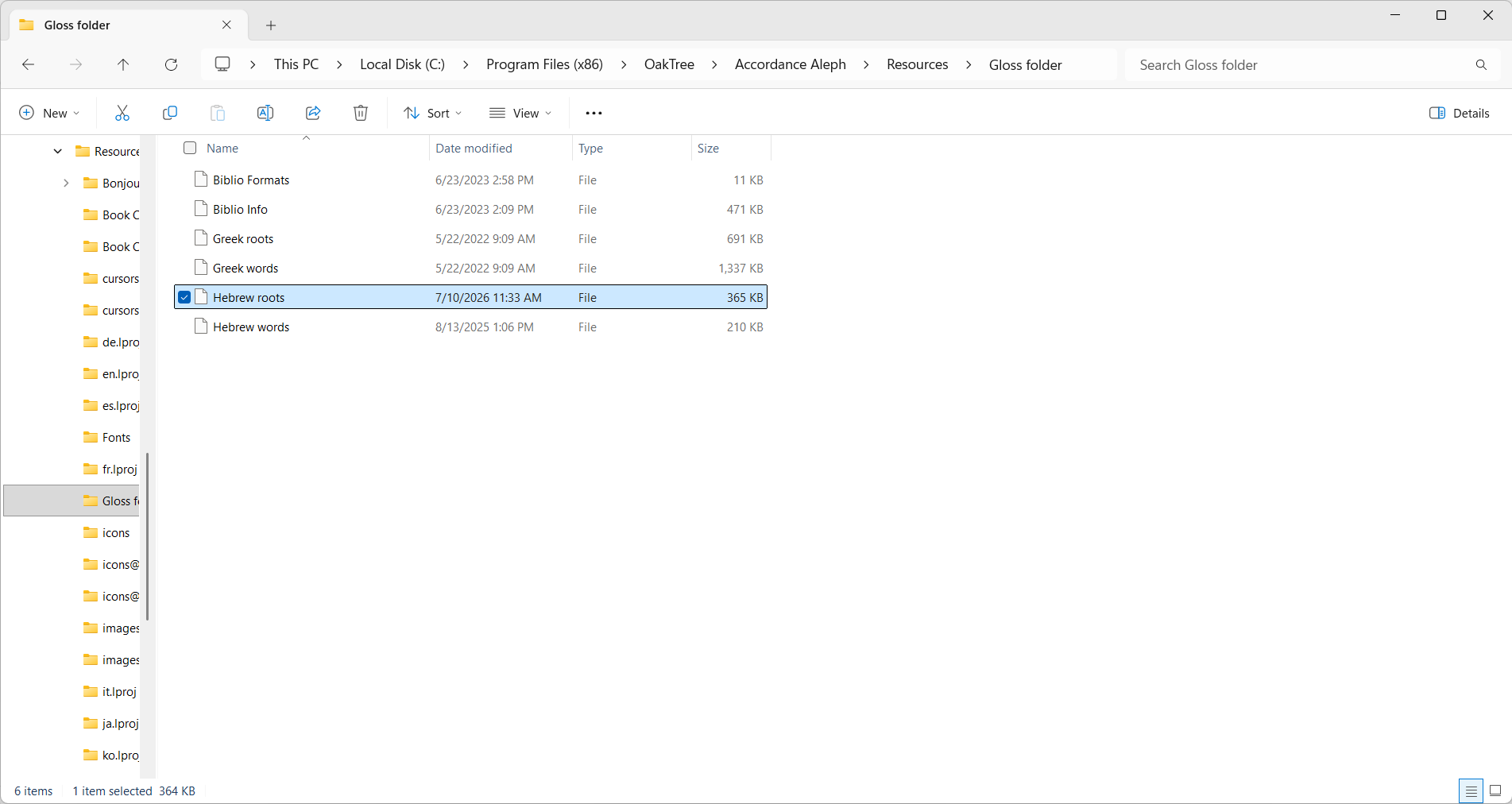
Let me know if you need anything else.
0 -
That is the folder with the “bundled” Gloss files for Accordance Aleph. Accordance uses the folder:
C:\ProgramData\Accordance\Gloss folder
for “bundled” and installed (e.g. GNT28-T.syntax, PESH words.agloss, etc.) Gloss files.
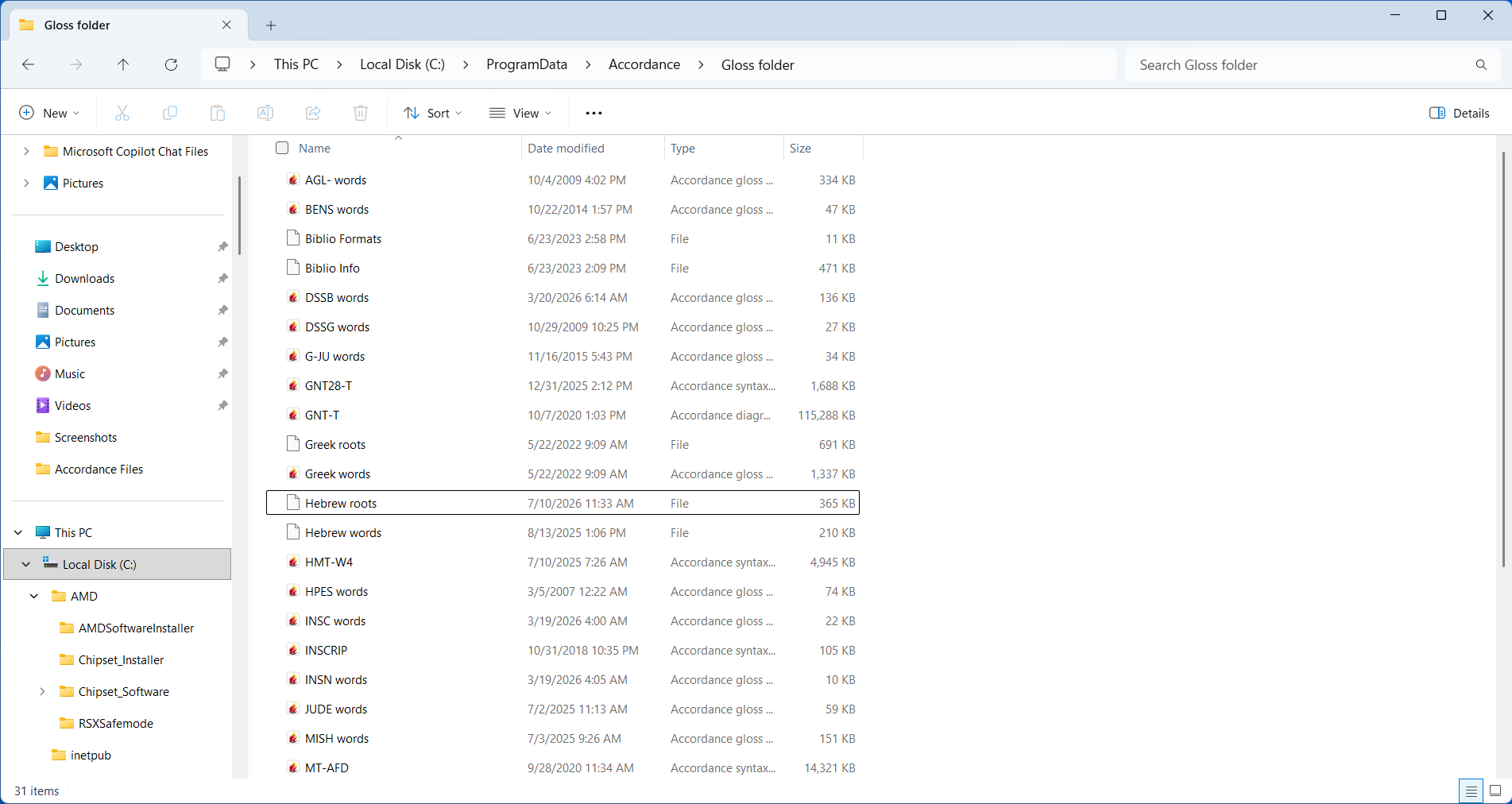
Can you post the same screen shot for “C:\ProgramData\Accordance\Gloss folder”?
0 -
Is this what you need?
 0
0 -
Yes, thank you for the quick reply.
It looks like you have the latest Hebrew roots file and syntax.
Still not sure why Accordance is trying to use the ARAB Text for Hebrew roots information.
Can you:
- In the HMT-W4 Text, run a Root search successfully? (e.g. +ברא)
- confirm that version of HMT-W4 (v3.4 is the latest)
- Any significance to Accordance using the ARAB Text? Is it a default Text, first in the Library, etc.
0 -
Thank you Mike for helping me figure out the problem. I do have the latest version of the BHT:
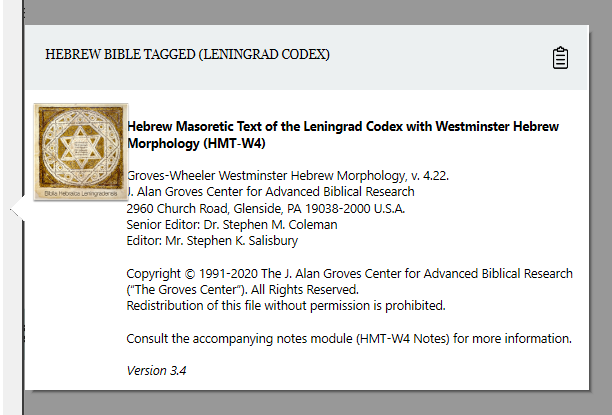
And come to find out, I had to move the BHT up to first in the listing of TEXTS:
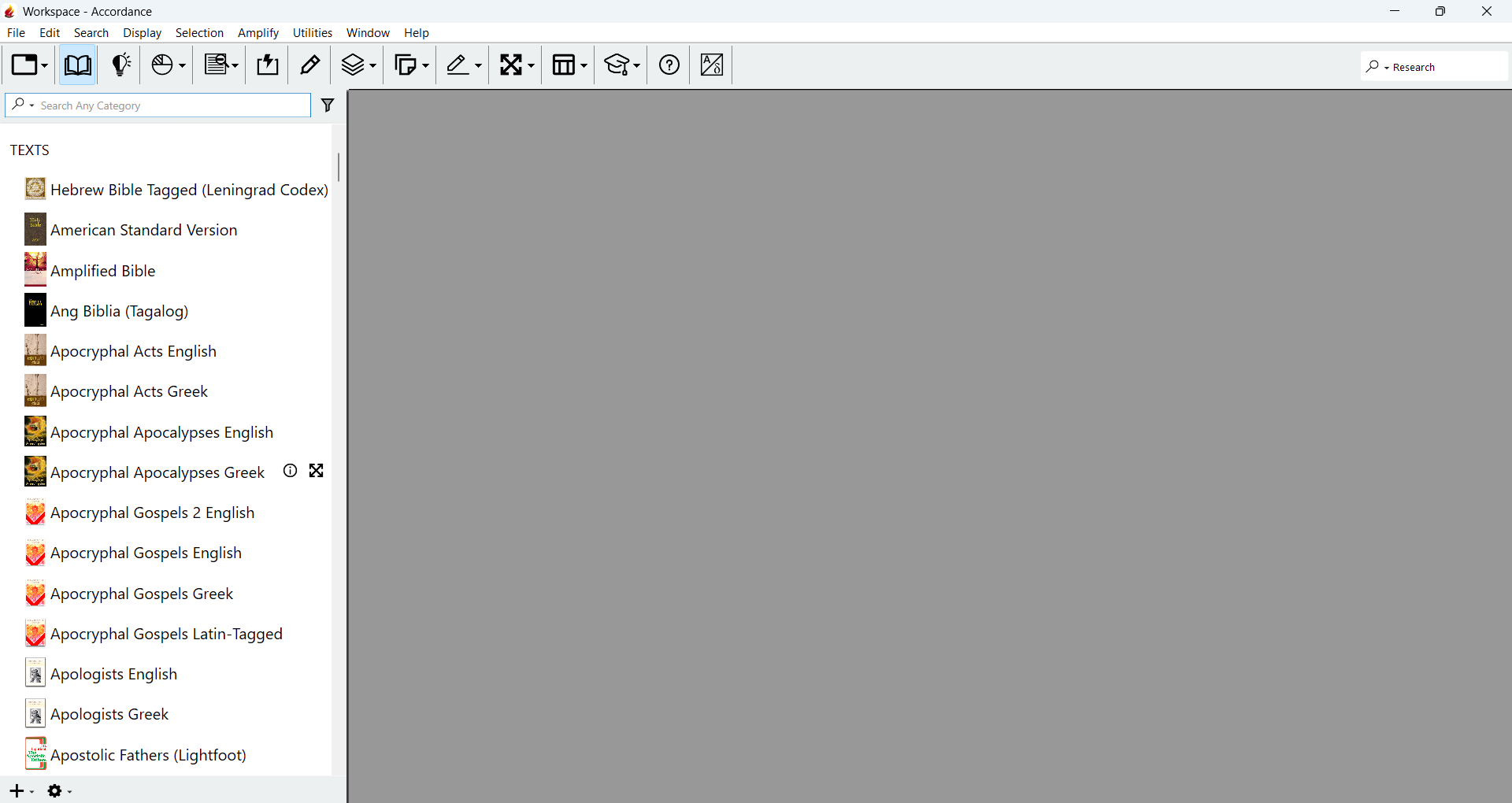
Then tried the Hebrew Root construct search, and that fixed it:
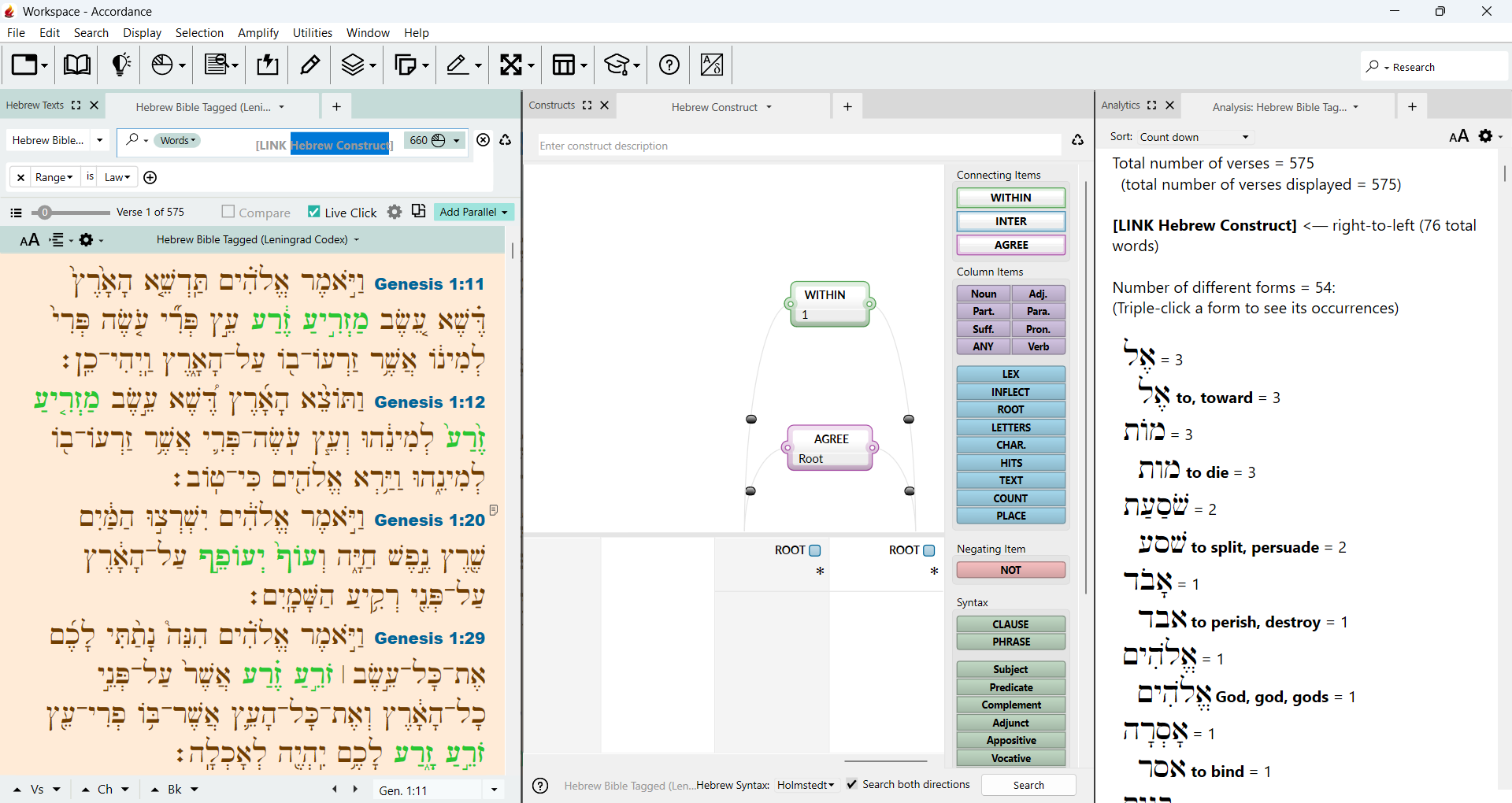
Thanks again Mike!
0 -
Great to hear, sorry about the hassles!
0 -
By the way, moving the BHT to the top of the list of TEXTS in the stable version 14.1.2 fixed the Hebrew root searches there too. just wanted to let you know. Thanks again!
0 -

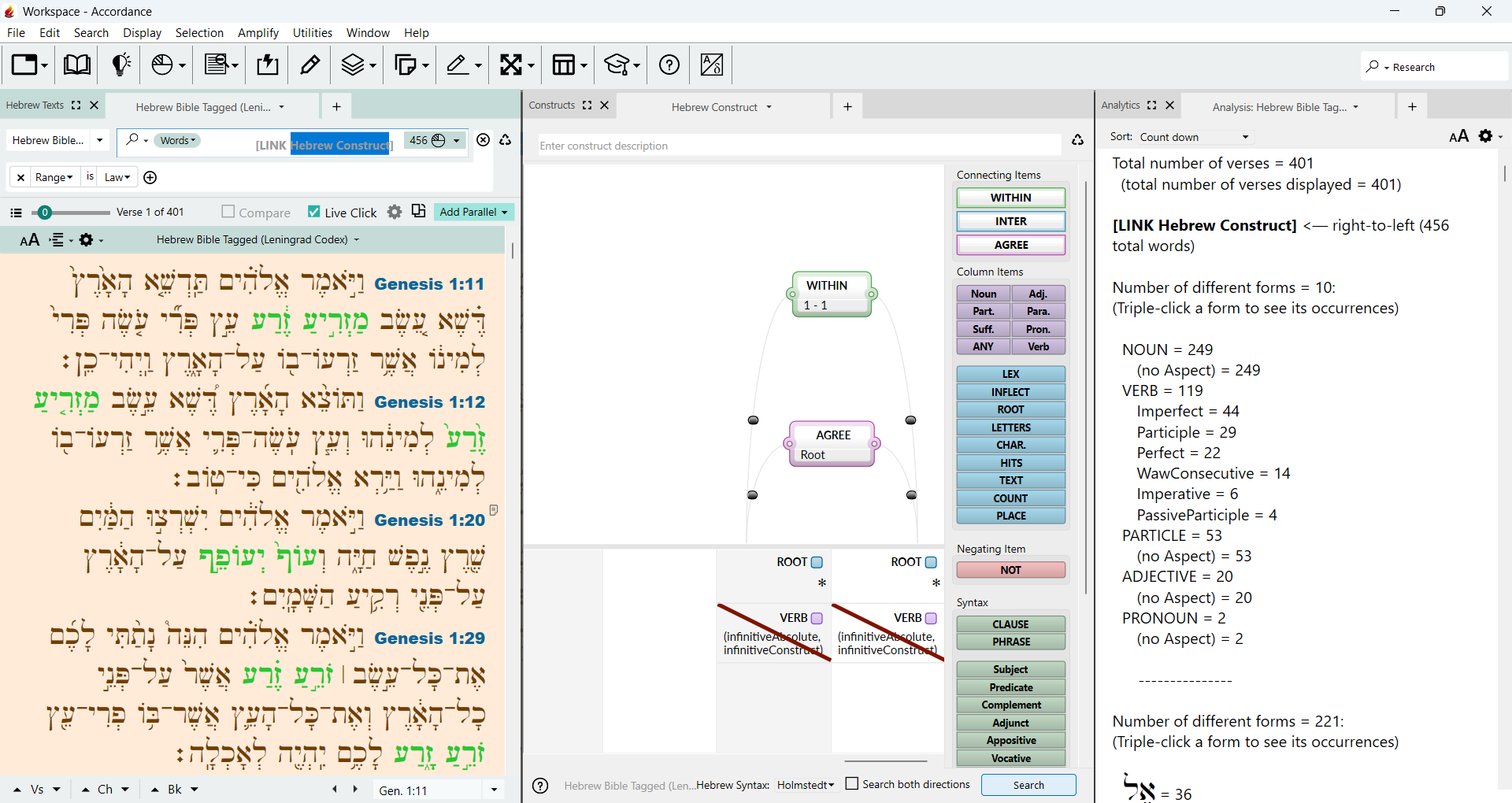
I did this search but i tried to eliminate hits with an infinitive (cst,abs) - I tried using the hits command but it gave incorrect results; How can I eliminate the infinitive constructions from this search?
0 -
Does this help you?
 0
0 -
thanks that worked. I tried negating the infinitives at the tag level (checkmark “not” but it did not work as expected. Your solution worked. thanks
0
Please sign in to leave a comment.
Comments
11 comments