Unable to search certain Japanese text in a Japanese Bible

I'm not sure whether this is a bug or a configuration issue, but I'm unable to search certain Japanese text in a Japanese Bible.
Environment:
- MacBook Air (M1)
- macOS Tahoe 26.5.1
- Accordance 14.1.2
When I open a Japanese Bible and search for Japanese text, the search is not performed in some cases.
Instead, Accordance opens the "Click to select words" window—the same window that normally appears when using Command + J.
Here are the results I consistently get:
- Hiragana only: A single character can be searched, but words with two or more characters cannot.
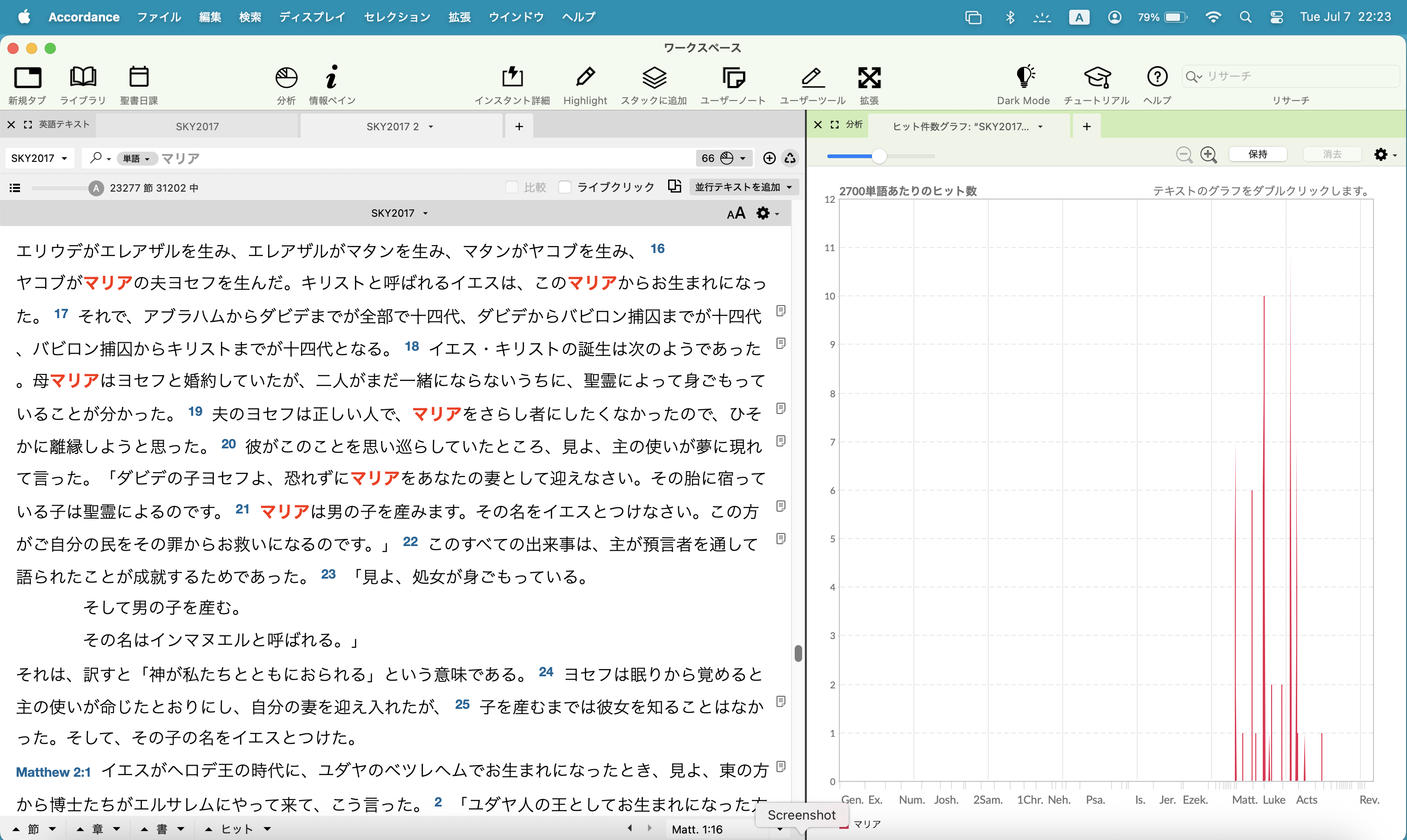
- Katakana only: A single character can be searched, but words with two or more characters cannot. For example, searching for 「マリア」 always opens the "Click to select words" window instead of performing the search.
- Kanji only: Searches work normally, even for words with two or more characters.
- Kanji + Hiragana (okurigana): Searches also work normally, even for words with two or more characters.
Expected behavior:
The search should return all occurrences of the Japanese text, regardless of whether it is written in Hiragana, Katakana, Kanji, or a combination of Kanji and Hiragana.
Actual behavior:
For Hiragana-only and Katakana-only words with two or more characters, Accordance does not perform the search. Instead, it opens the "Click to select words" window.
Am I missing a setting, or is this a known issue?
Any help would be appreciated.
-

Greetings Makoto Sasaki,
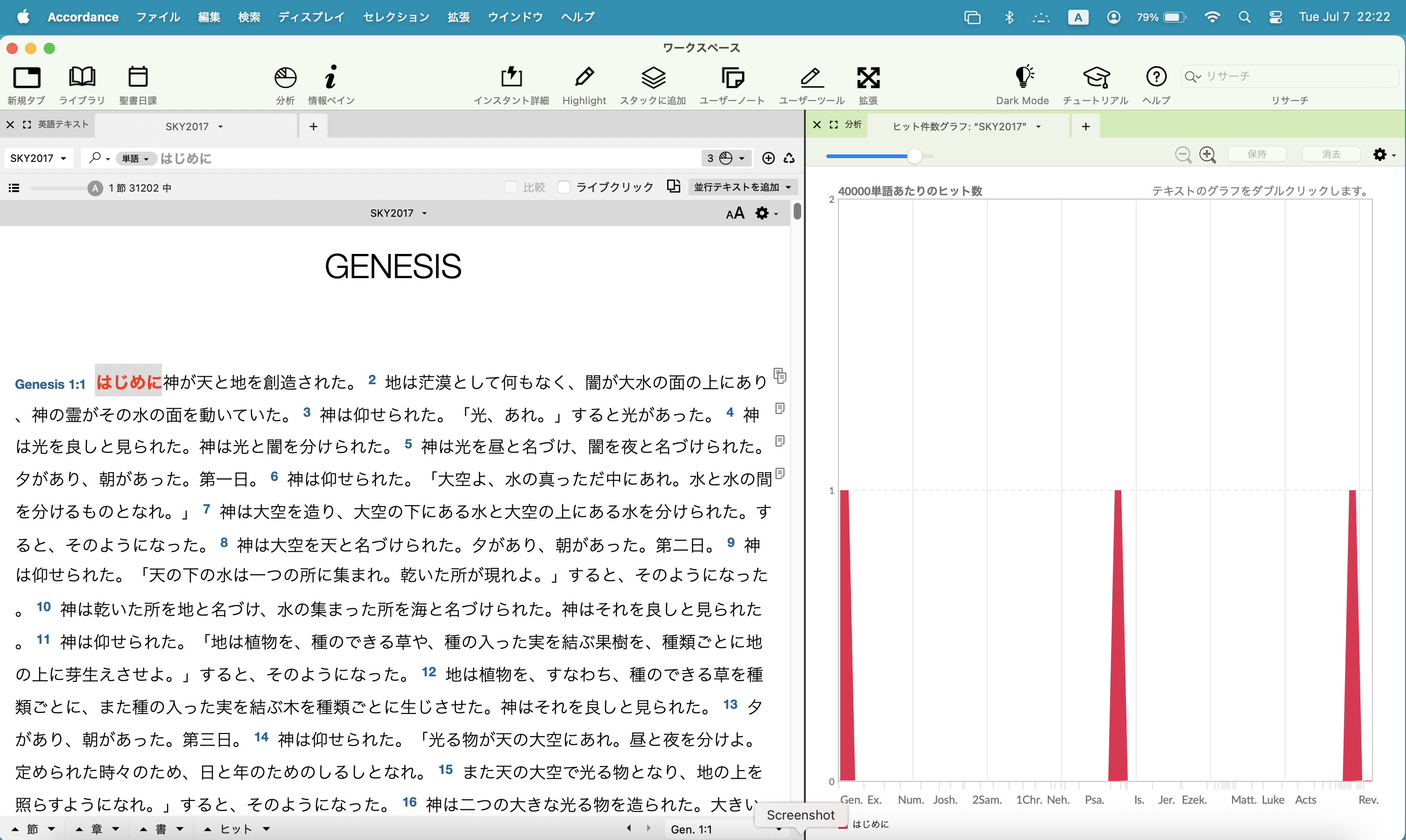
I seem to be able to run searches on words trasncribed in both Hiragana and Katakana in the SKY2017. However, I am not using Command + J.
 0
0
Please sign in to leave a comment.
Comments
1 comment