Accordance 14.1.2 garbled screen

System: Windows 11 Pro version 25H2
Accordance version: 14.1.2 December 2025
Problem: After working fine for months, Accordance opened to a garbled screen on app startup today. See screenshot below. Restarting Accordance did not help. Neither did resizing the Accordance window and or maximising it. It seems that every subsequent action that produces a GUI element (e.g. drop-down on search) overlays the existing GUI, adding to the clutter.
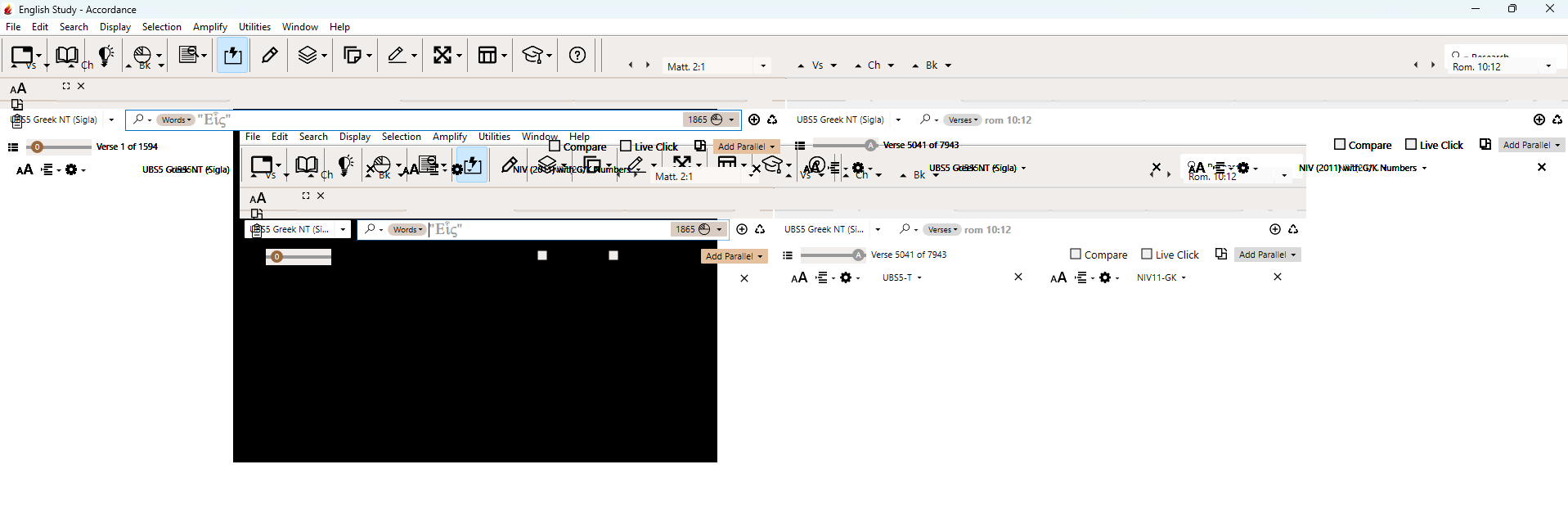
Suspected cause: It looks like a corruption of the preference file.
Workaround: Opening an autosaved version from far enough into the past solves the problem.
0
Please sign in to leave a comment.
Comments
0 comments