Can't sync with Accordance Mobile

I open Accorance for Mac, Accordance menu > Sync with Mobile Device…
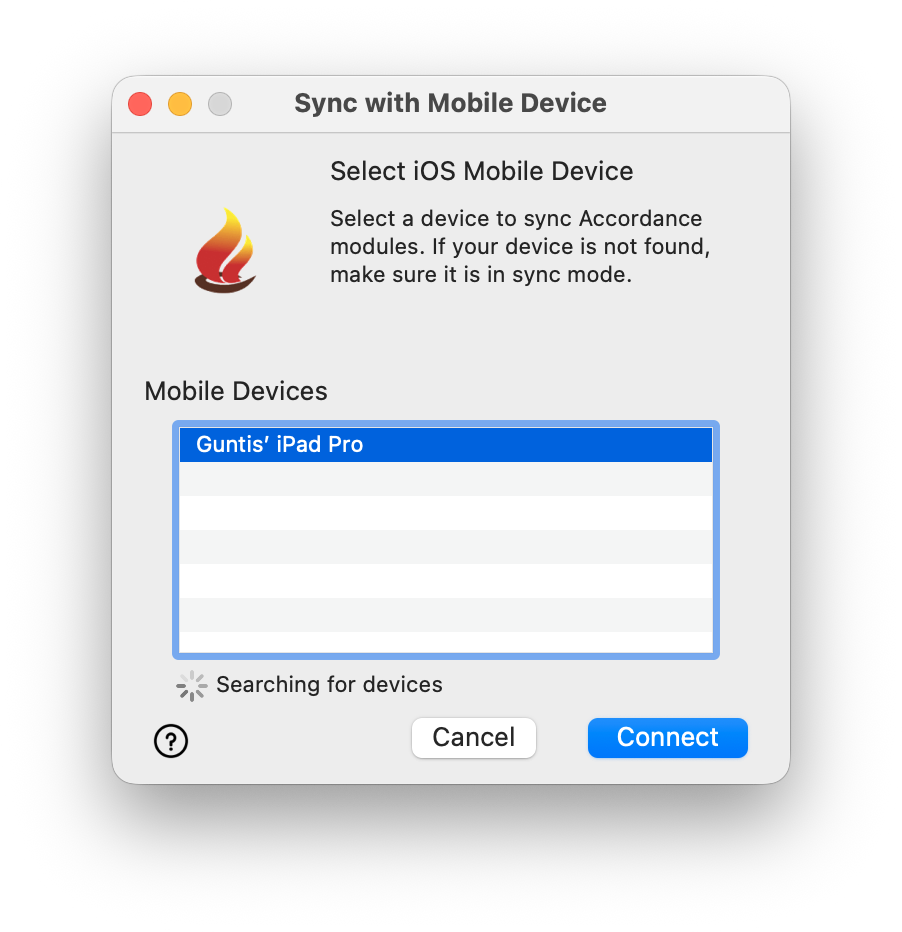
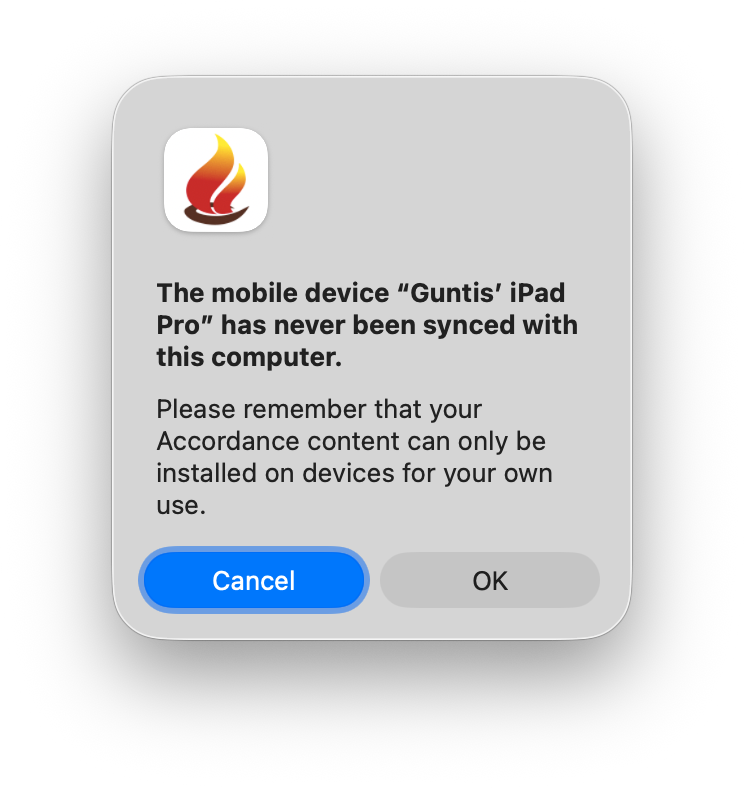
I open Accordance on iPad, tap and hold Sync button > “Sync all content with Accordance” (Actually, very misleading title, as I understand it will sync with Accordance servers, not with Accordance Desktop). Accordance WiFi Sync window pops up. (Now it's “Accordance WiFi Sync”, not “Sync all content with Accordance”). Anyway, on my Mac in the “Sync with Mobile Device” window I see “Guntis' iPad Pro”, select it, press Connect button. So far so good. Pressing Connect button I get thi warning: "
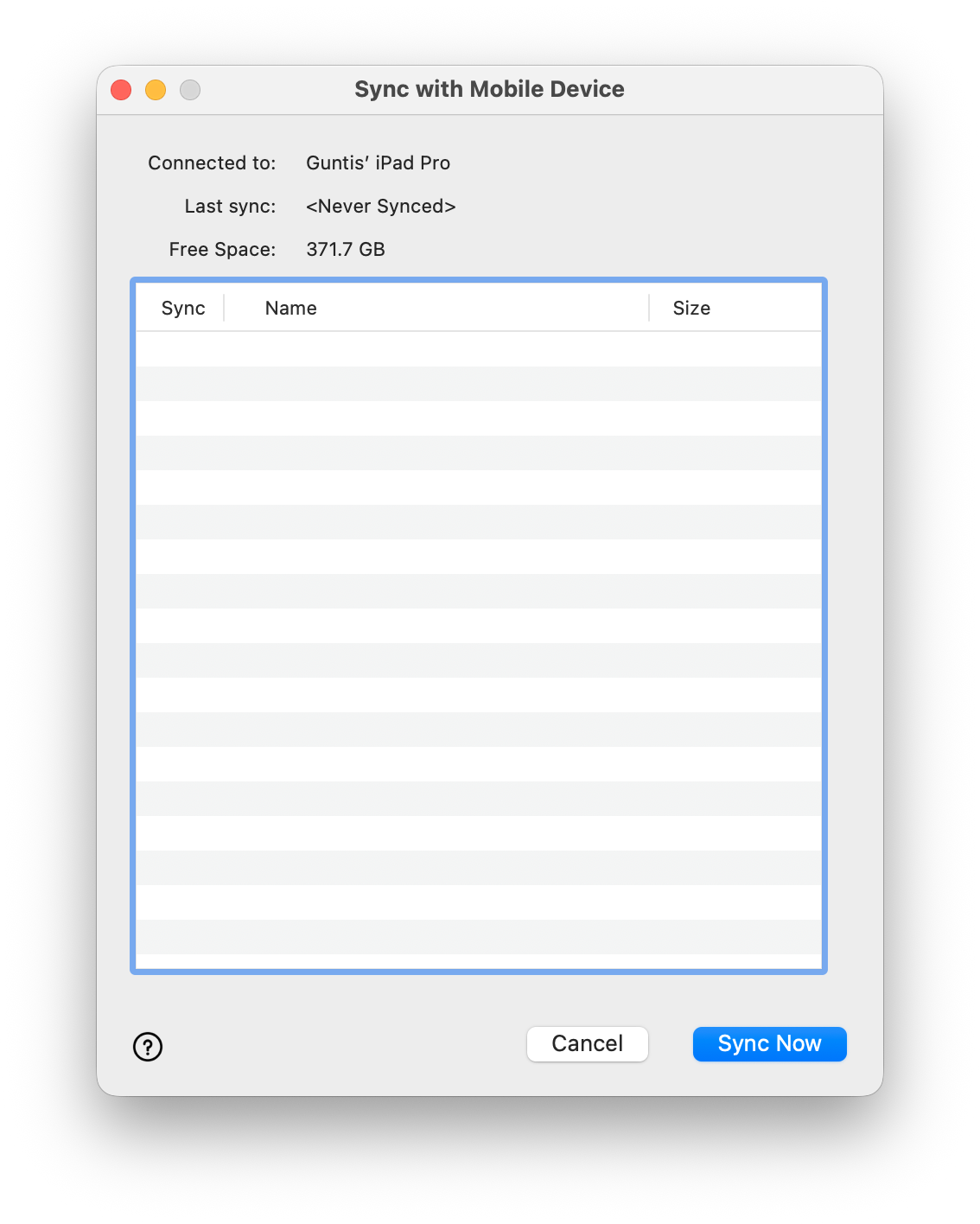
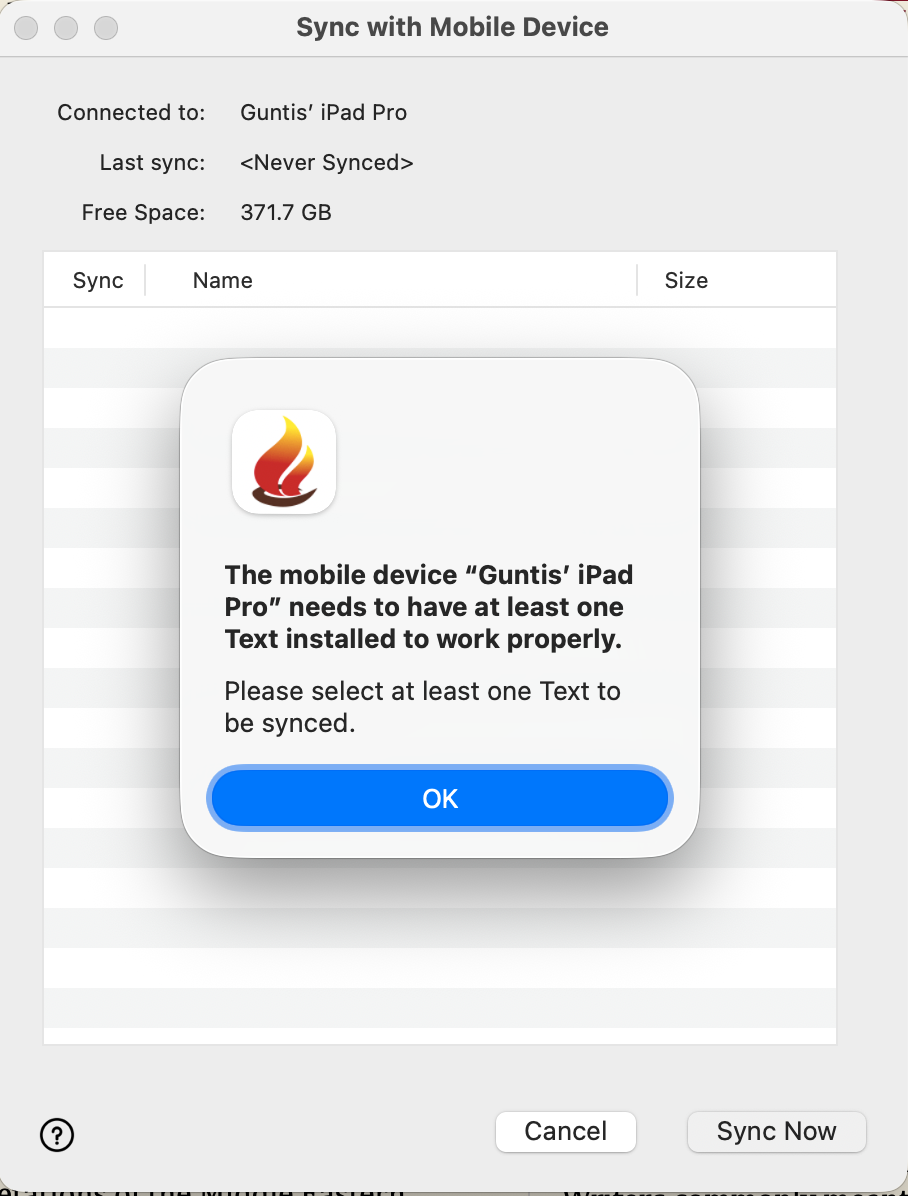
The mobile device “Guntis’ iPad Pro” has never been synced with this computer. Please remember that your Accordance content can only be installed on devices for your own use." > OK button. Now "Sync with Mobile Device window is empty, no resource list to check for syncing. The same when I try to syn to my iPhone. Can't get my custom Bible over to iPad.
-

I have the same issue. Accordance has synced with my iPad many times, but I have a new MacBook, and it won't let me sync
1 -

I emailed Technical Support and received a helpful email back with a link to 14.2 beta. It has enabled me to start syncing my new mobile device. My syncing is still in progress, though, as the sync still hangs at some points during the install process. But, at least, 14.2 has recognized the new device.
0 -

I have not been able to sync desktop and mobile devices for years, and Accordance tech support has provided no indication that this will ever be addressed. The last “fix” was to end Dropbox support.
I do, however, receive emails regarding every new sale for Accordance products should I want to add more modules to the system that doesn’t work.
0 -

Same issue here (as first post), frustrating
0
Please sign in to leave a comment.
Comments
4 comments