It is not possible to use Accordance 14 and beta version 14.2

After Apple’s update to macOS 26.4, Accordance would no longer open, displaying the message “I/O error #0 in the file ‘My place.apref’.”
I reported the issue to Billy, who sent me this file, which I placed in the locations he specified.
I should note that I also uninstalled and reinstalled Accordance. The problem persisted and was only resolved by adding the “My place.apref” file to the two locations indicated by Billy. The solution worked for a month, until Apple’s new update (Tahoma 26.4.1), when the problem returned.
This time, Billy’s initial solution didn’t work. So he sent me the alpha version of Accordance 14, but the problem persists. On top of that, there’s a second bug, with an input/output error message in the sample tool v2.acc7 file.
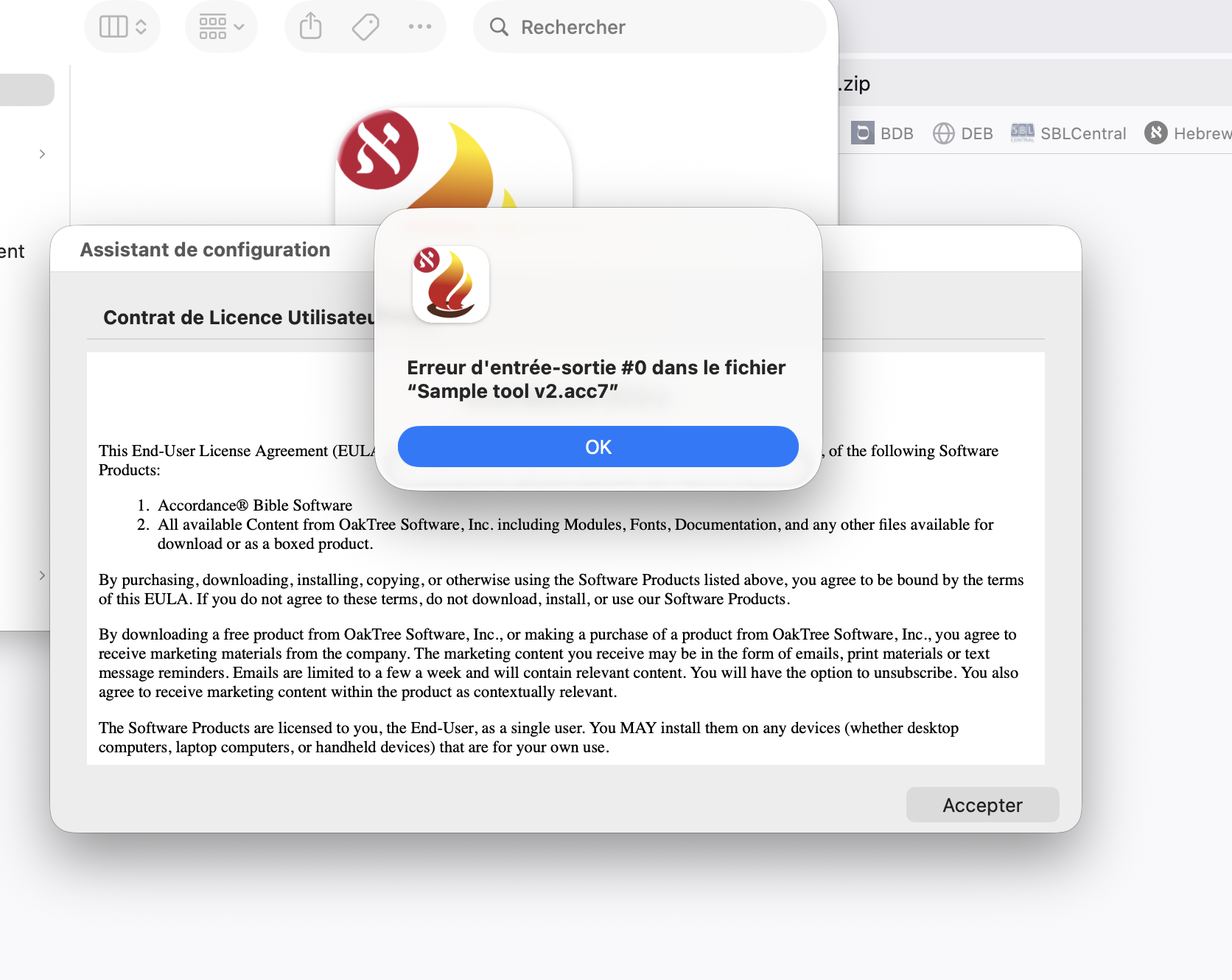
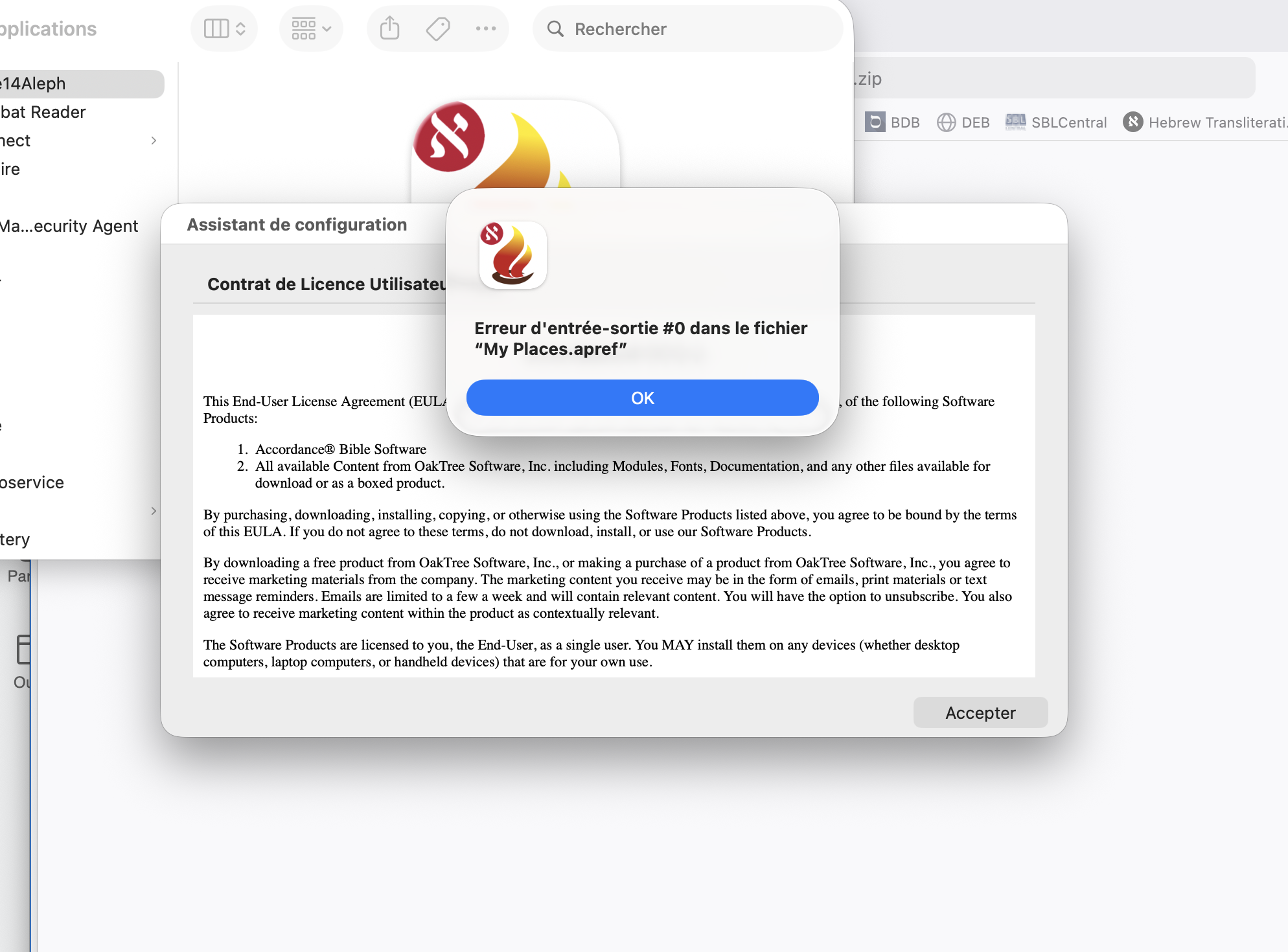
-

Same story. I can't open Accordance. it crashes
0 -

I also have seen this problem. I haven't tried the betas. One thing I'll ask is if you have tried with a different user accounts. I have two an account that I use for installing and updating, this is the one that I have the issue with. However, in my regular user account I am able to run the program fine.
0 -
I only have one Accordance account, and that's the one I usually use. Or rather, that's the one I used to use when I could still run Accordance on my laptop (MacBook Air - M2).
0 -

Everything was fine on my 2019 Mac Book Pro. Yesterday I moved all my info over to a new 2026 Mac Book Air. Now, on the new machine with all software updated, Accordance crashes every time I try to use it. Every time.
0
Please sign in to leave a comment.
Comments
4 comments