Atlas and Sync issues

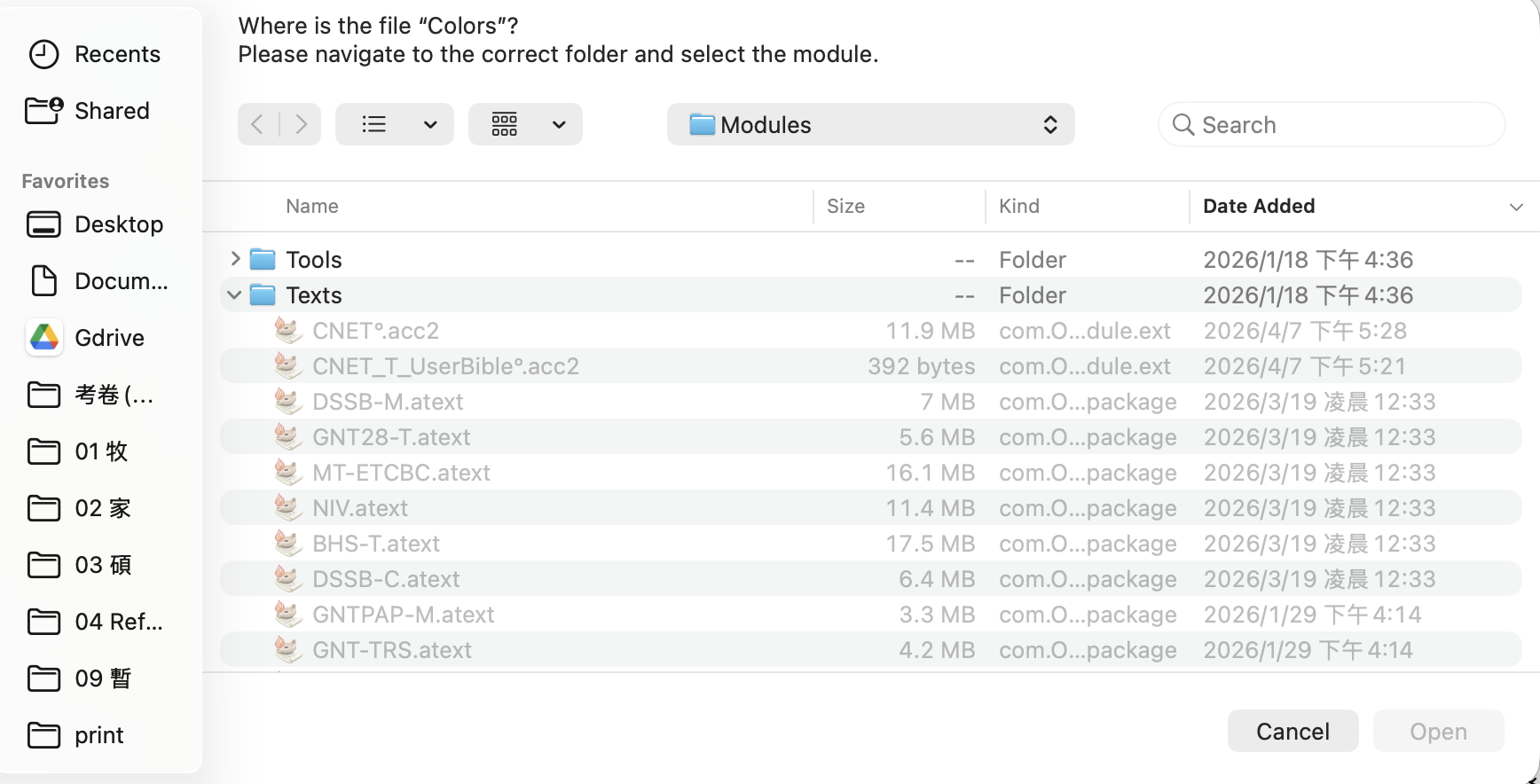
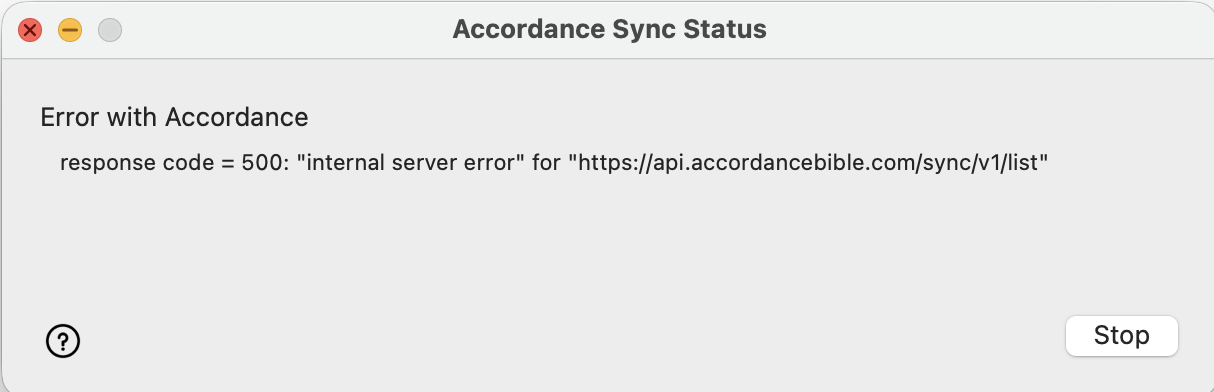
It has been a while since I've been experiencing Atlas and sync issues, but I haven't had time to report them. I tried uninstalling and reinstalling Atlas from the internet several times, but every time I try to open it, it asks me to redirect to the location of the Atlas folder — and even when I try to locate the Atlas files, there are none to be found. On top of that, the sync issue I showed you earlier has been persisting for a while. Could you help me figure out how to fix these issues?
best,
Mutien
-

1. The Atlas support files are not in the Modules folder shown - they should be in the:
“<user>/Library/Application Support/Accordance/Atlas files” folder. Colors.amap should be in the subfolder Backgrounds.
2. There might be an issue with your Accordance account. Are you able to run Easy Install without issue? If so, can you use “Settings > Syncing > Reset Sync History” to reset and try sync again?
0 -
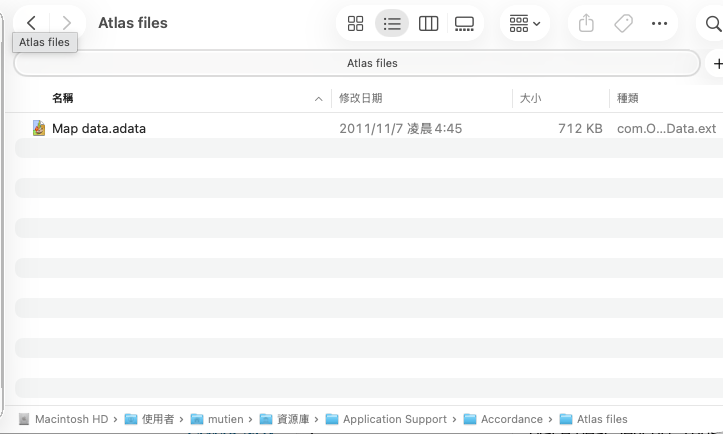
There is only one file inside the folder.
I am able to easy install modules. I uninstalled atlas when I opened accordance by click option key, and reinstalled atlas several time. The result was always the same. I also rest sync and no help for this.
 0
0 -
Mike, I finally found out the problem! It's my fault. I thought the atlas I only need to download atlas, but I need to download all the background modules and Altitude data in my old collection.
That's why it's empty in the Atlas files folder.best regards,
Mutien
0
Please sign in to leave a comment.
Comments
3 comments