Hebrew root word search empty

Since the latest update I cannot search Hebrew root words anymore. Right click - search woord - root gives no return. The dictionary seems to be empty. A fresh install did not resolve this. Am I the only one having this issue? Tahoe 26.2 - Accordance 14.1.2
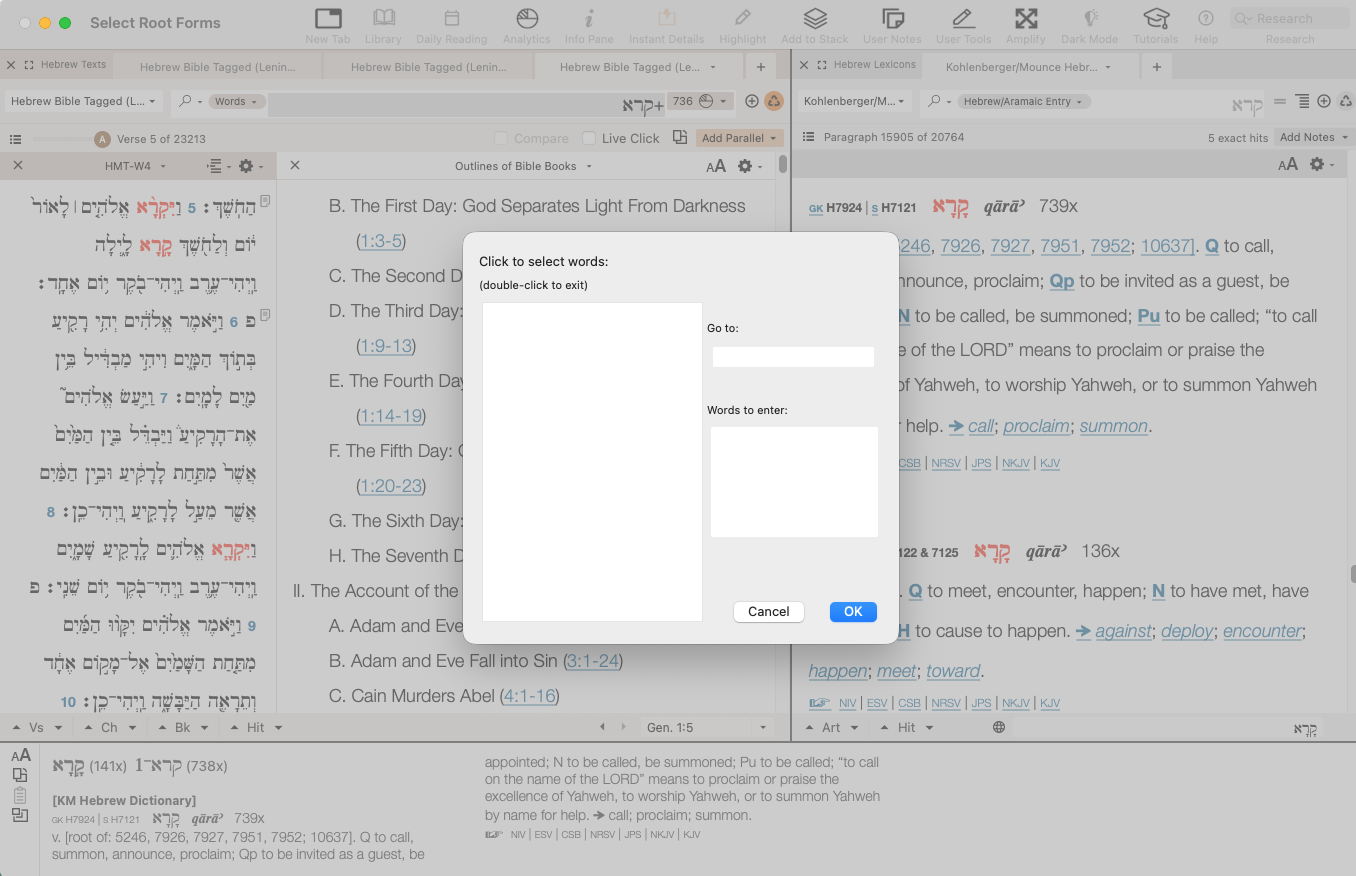
-

I'm trying to see if I can reproduce this in Ventura, but I'm unclear on the exact steps you are taking. If I right click on a word in the text (e.g. וַיִּקְרָ֨א in Genesis 1:5), I can chose “Search For>Root" and Accordance runs a search in a new tab:
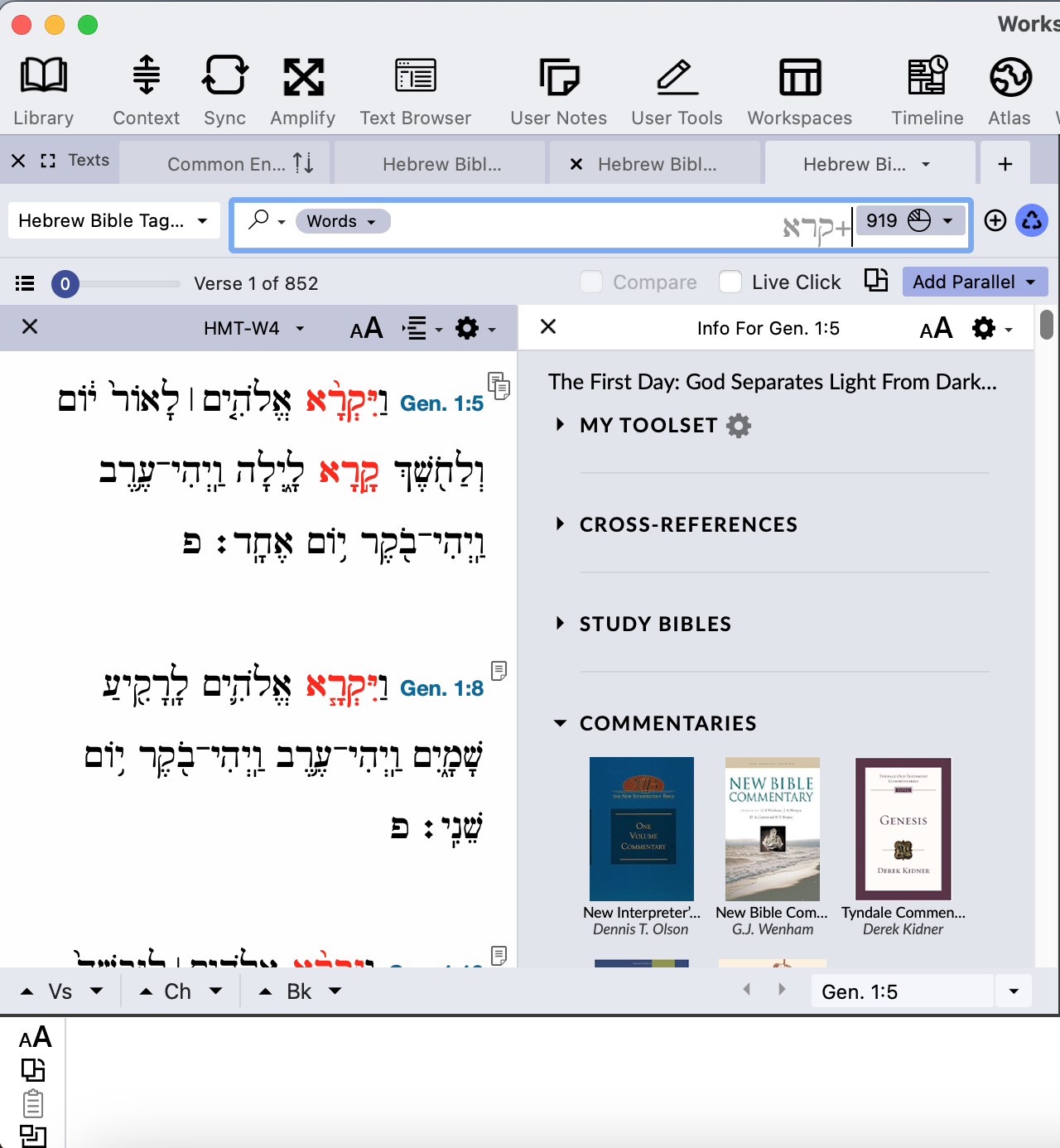
However, I don't see the box to select words that way.
If I click in the search box of a search tab and then click on the Search Menu, and choose Enter Lexical Forms… (or hit command-L), I get a selection box, but mine is populated:
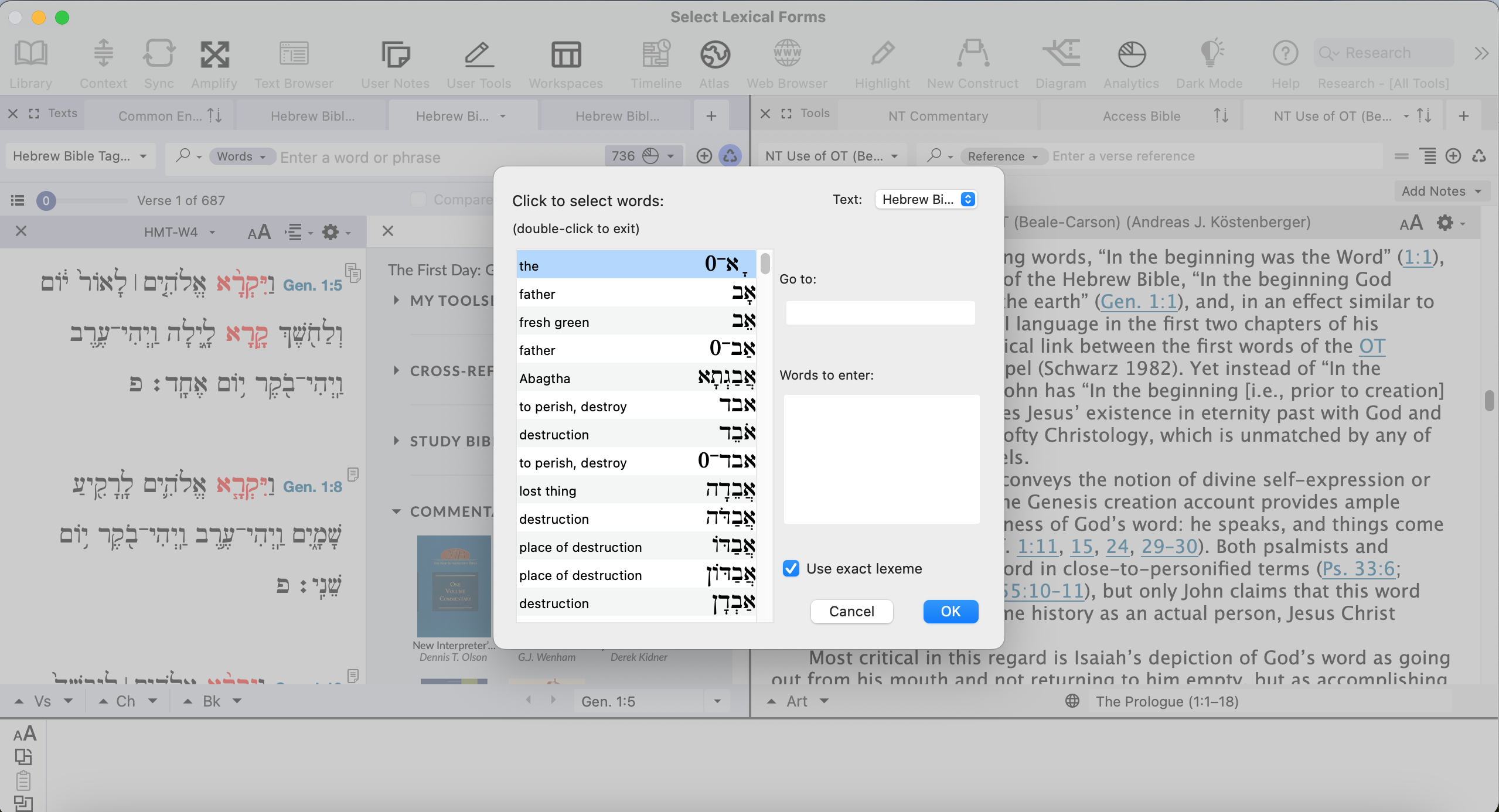 0
0 -
Thanks for checking Lorinda.
1. Right-click → search for → Root just doesn't do anyting.
2. Hence, I tried the alternative by finding a root in the search bar by entering +root - and then I get the empty box.
Still interesting to see that you get a search result in Ventura OS.
0 -
Is there actually someone from Accordance looking at this? There's not much activity on this forum. It seems impossible to downgrade to earlier stable versions in Tahoe. My impression is that this software including the support is not what it used to be, which is unfortunate.
0 -
You might try opening Accordance in safe mode and checking the boxes related to caches, and see if that changes anything.
0 -
Thanks for the suggestion, but that doesn't work unfortunalely. Cleaned all the caches, etc. I have also tried fresh installs on 2 different computers. But I only have Tahoe 26.2 running.
If someone else with Tahoe 26.x could check that would already help identifying whether the problem is with me or with Accordance.
I think it is a simple glitch to fix for the developers, because the other search options (lexeme, inflected, tag, letters) work fine.
0 -

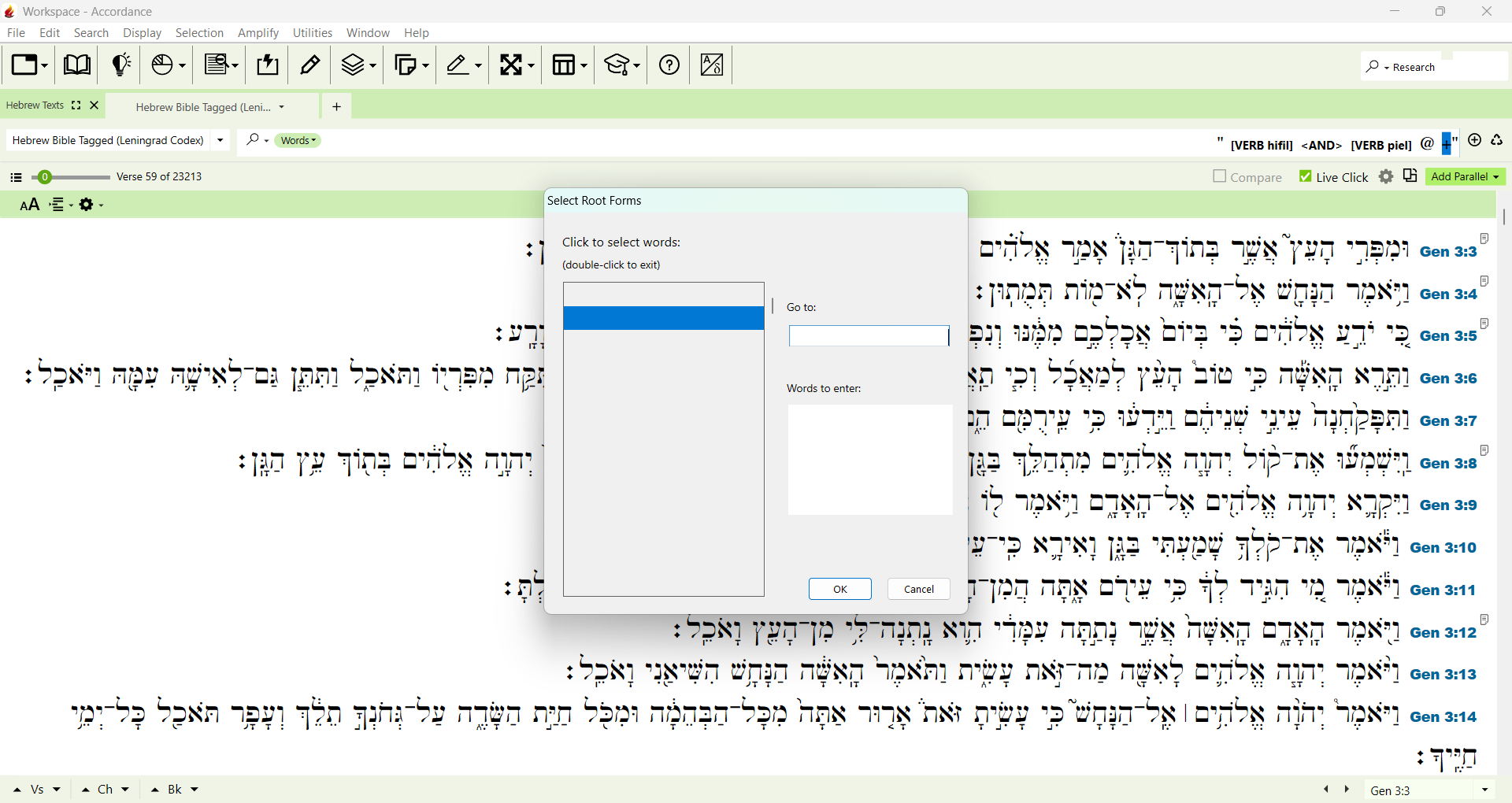
I am having the same issue on my windows version of Accordance 14.1.2 trying to search for roots.
Any solutions to this problem?
 0
0 -
I can easily search and find any root word or list of root words in all of my Greek tagged texts in the Windows desktop version 14.1.2 of Accordance and my IOS mobile app version. But I still cannot search for any root forms in any of my tagged Hebrew texts in the desktop and mobile app versions. Thoughts?
0 -
Have you tried emailing support?
0 -
Sure have. Waiting to hear back from them…
0 -
I heard back from Tech Support and they sent me this message:
I have been able to confirm not being able to search for a root in Windows in 14.1.2. I will post a report on the programming team’s board to be corrected.
So it has been acknowledged and they should fix the issue on a future update.I appreciate their timely response.
0 -
Any updates on when Hebrew root searches will be fixed in Windows?
0 -
Any progress being made to fix Hebrew root searches?
0 -
I just attempted to do a simple Hebrew construct search with 2 words based on the same root and this as far as I could get:
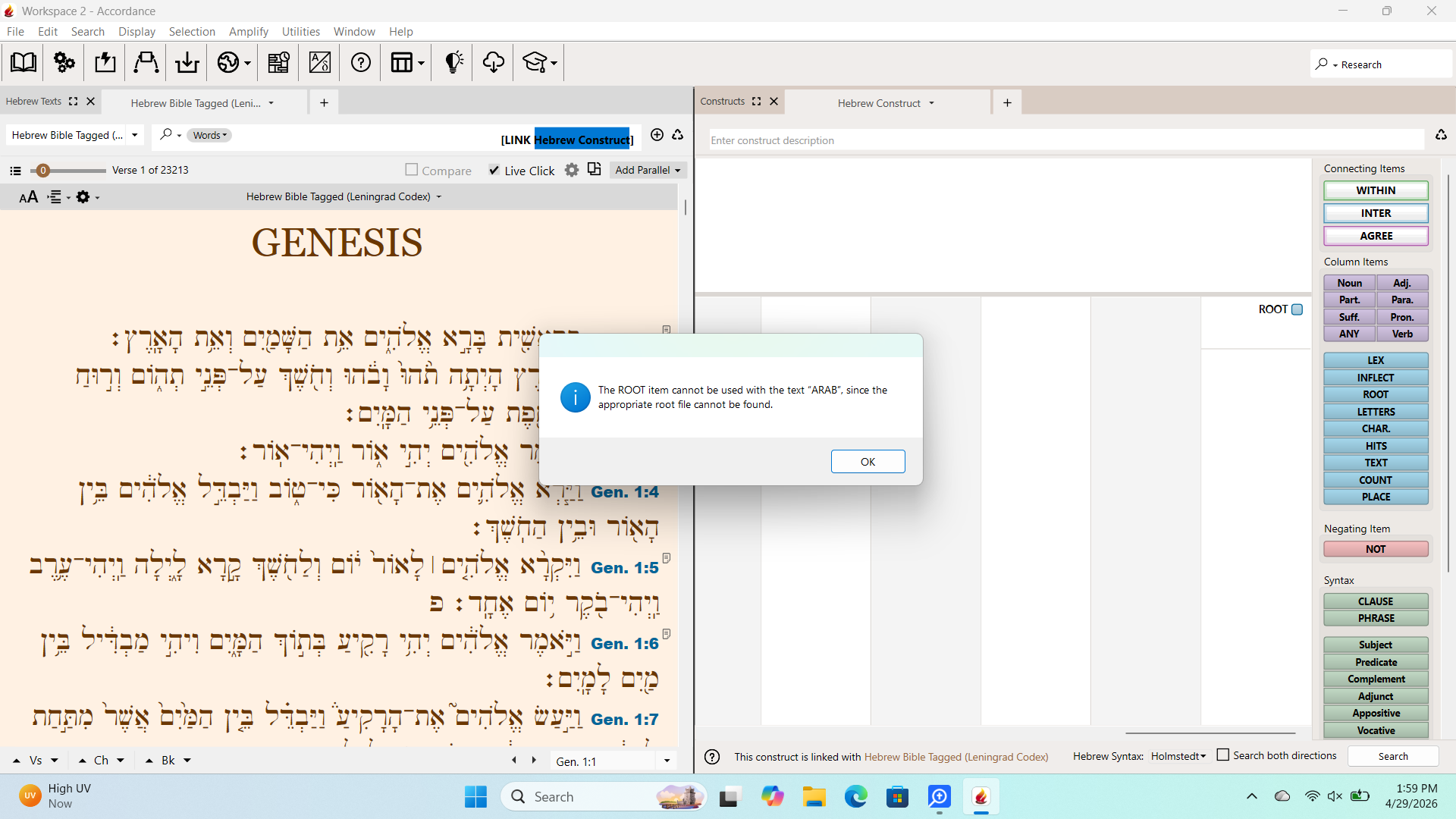
Windows version 14.1.2.
0 -

I can't search for Hebrew root forms either. I'm using Accordance 14.1.2 on OSX Tahoe 26.4.1
0 -
Any progress being made at all to getting this issue resolved in the desktop and mobile app?
0 -

Same problem here. Open context menu on a word (right- or 2-finger click) > Search for > Root. Get nothing, other than a little click/beep sound like you get when nothing's there.
I'm running Accordance 14.1.2 on Sequoia 15.7.7.
0 -

Did anyone find a solution to this problem?
0 -
They are working on a fix…you could join the beta and test it out. To do so,
On the main Accordance support page, scroll down and look for a link called “Download Accordance Aleph”
Click on that and you will get info on how to do so. (I would link it, but if I do this post will get stuck in “pending purgatory” for days if not a week or more)
0 -
This has been fixed in the Beta version of Accordance but not yet in the stable release.
0 -
Just wanted to let everyone in the forums know that Mike Garrity helped me fix an issue with the Hebrew construct root searches in the Beta version. So, then I tried implementing this fix with stable Windows version 14.1.2 and it worked. Make sure that you have the latest version of the BHT at the very top of your list of TEXTS. It worked with the Stable and Beta versions of Accordance on my Windows laptop. Might work to help fix others who are having issues:
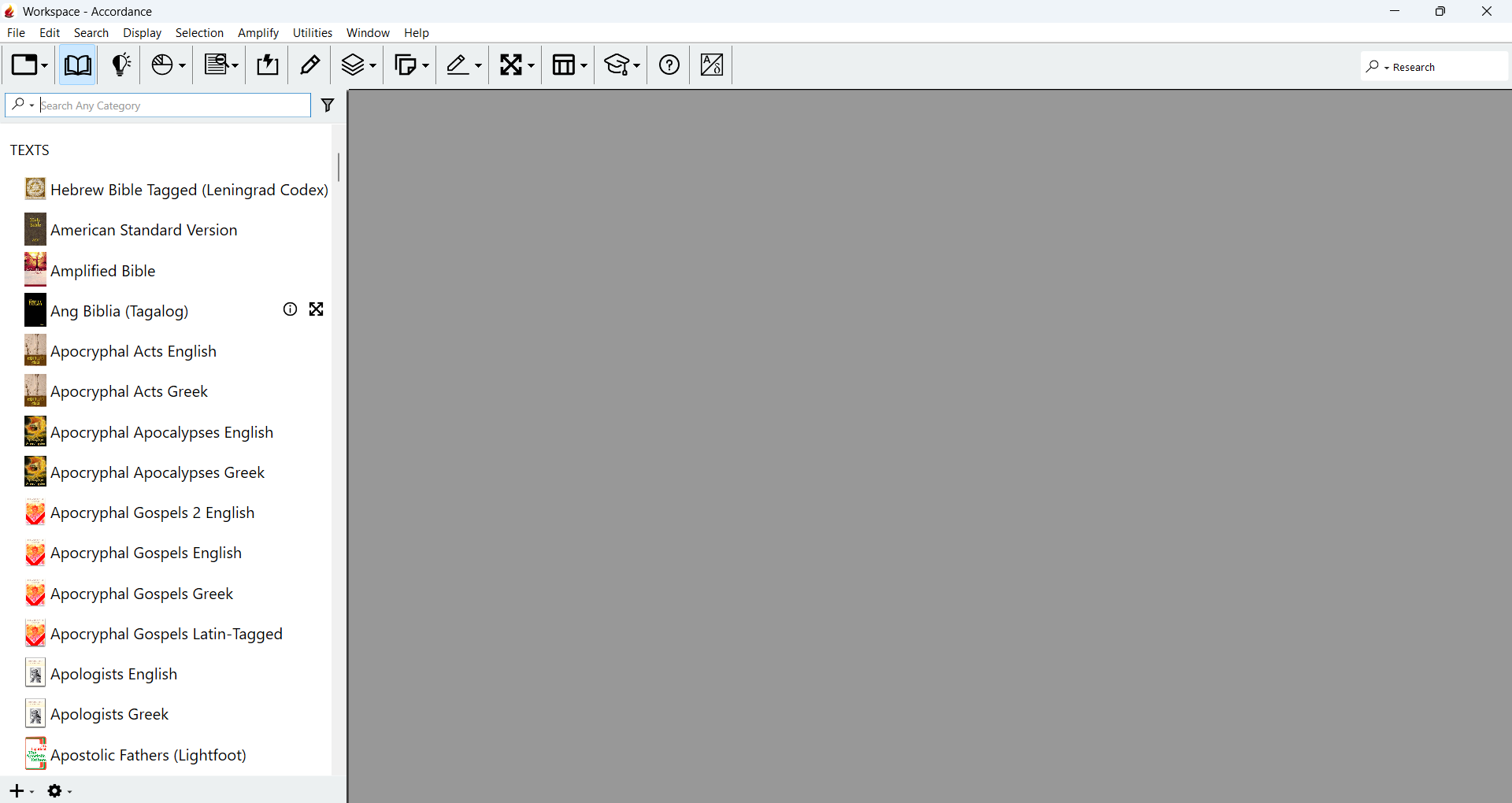
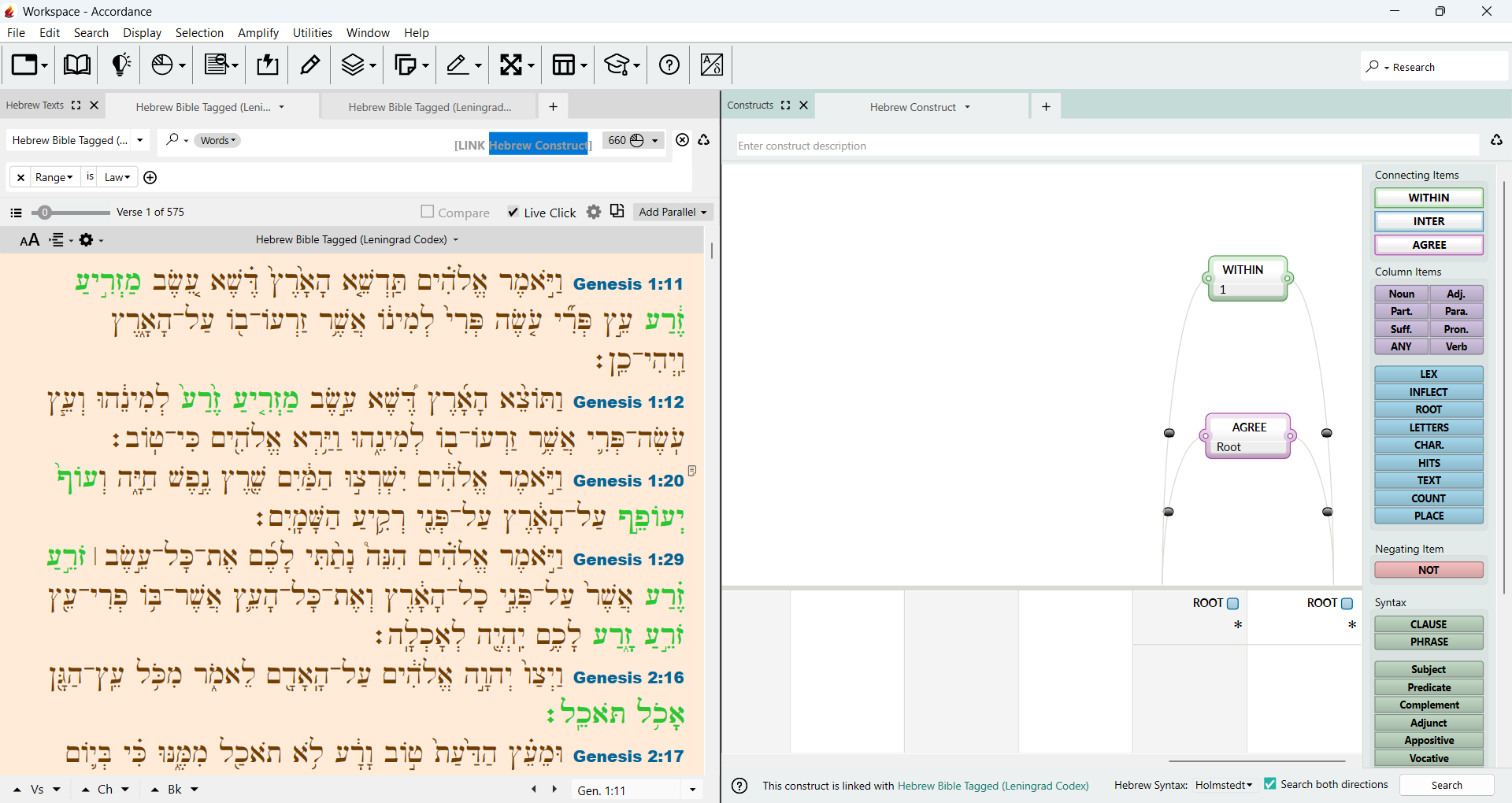
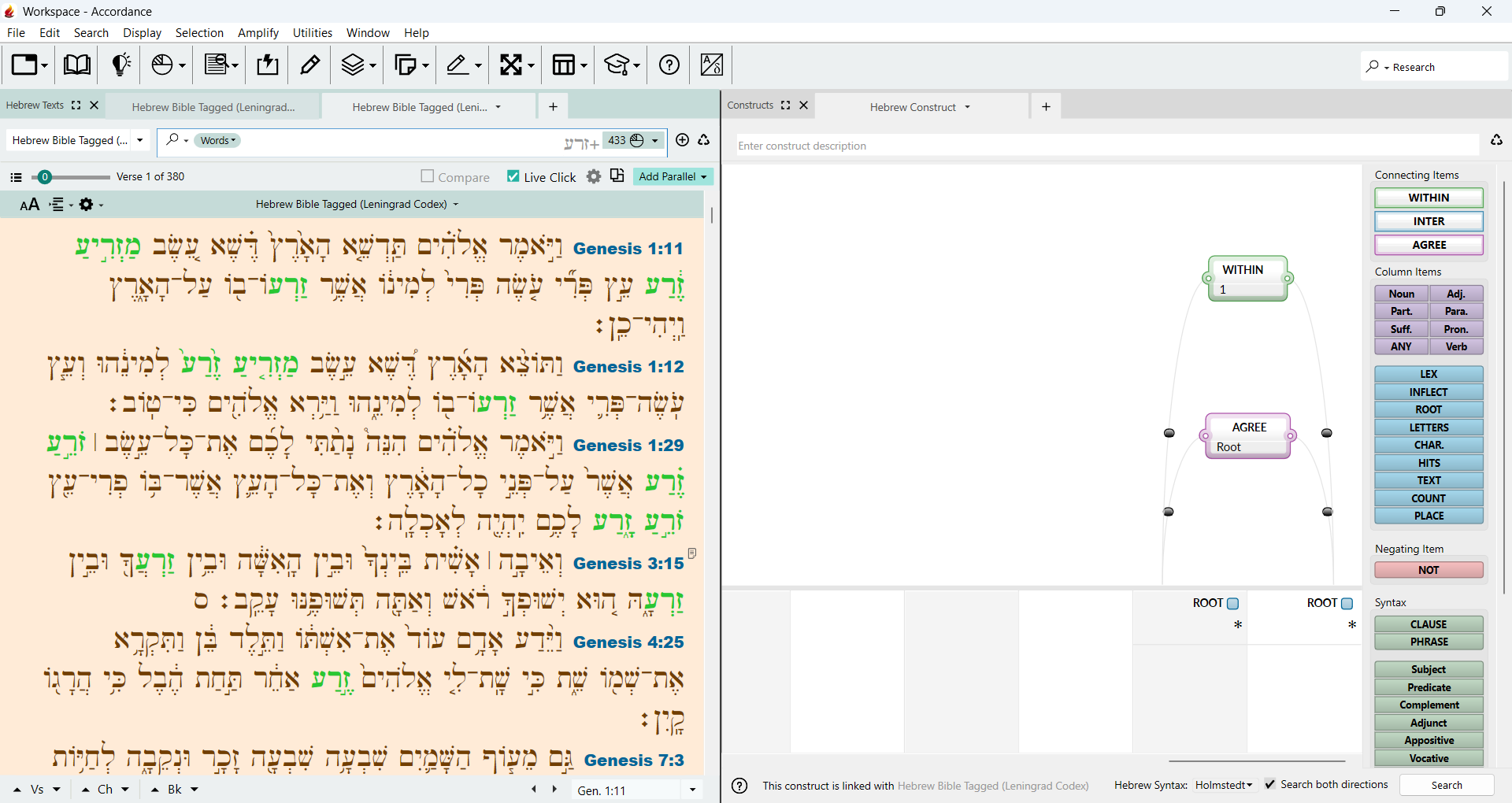
Thanks again Mike for helping me fix both versions of Accordance, Beta and the stable 14.1.2!
0
Please sign in to leave a comment.
Comments
20 comments