How to delete synced files from my Account on the webpage

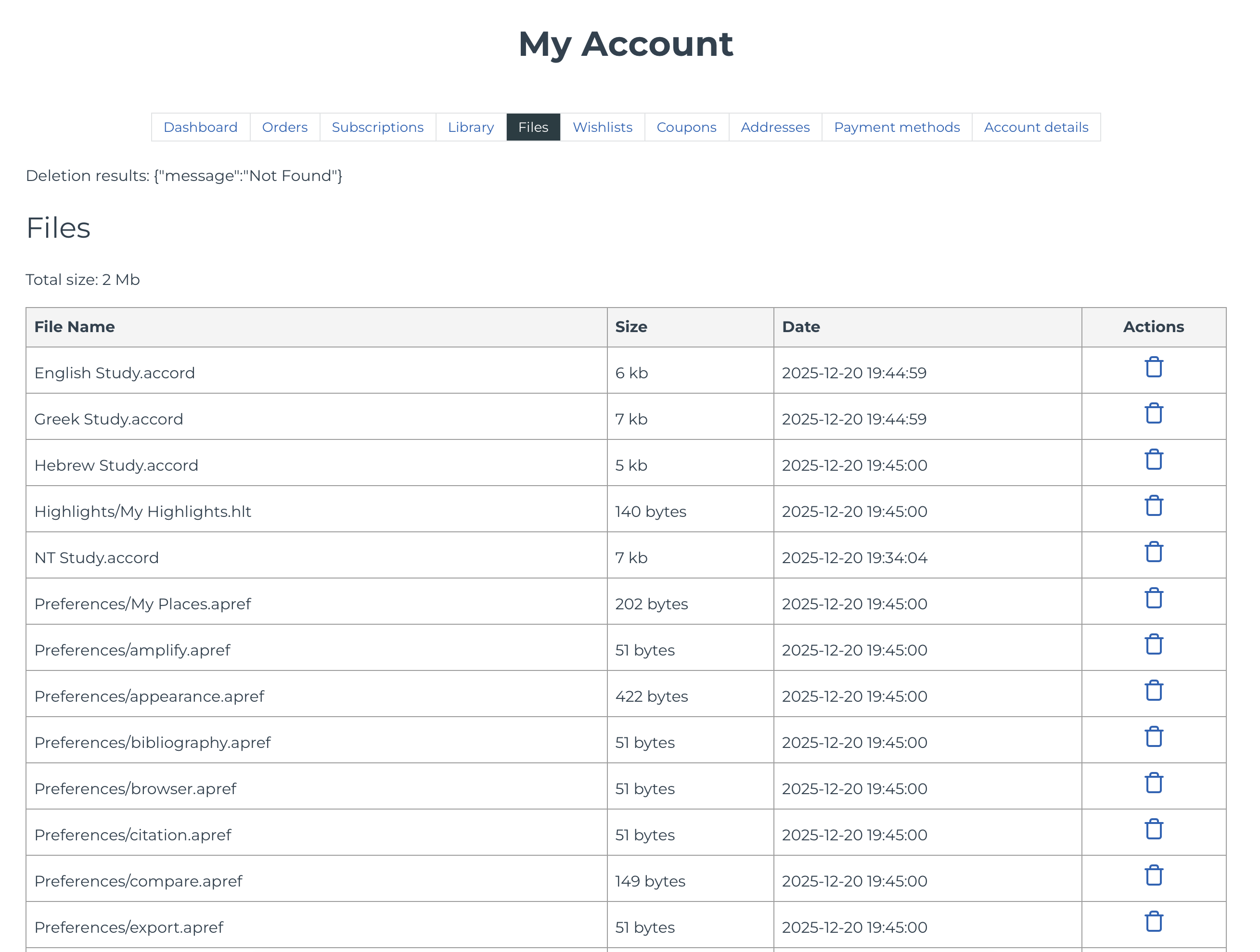
I have completely removed Accordance and all preferences from my Mac in preparation for a new install. I want to start completely new but am unable to delete the online files under my account that have previously synced. When I click on the trashcan icon next to a file I get Deletion results {"message"."Not Found"}
What can I do to get rid of these files?
1
Please sign in to leave a comment.
Comments
0 comments