Resizing Instant Details (Mac)

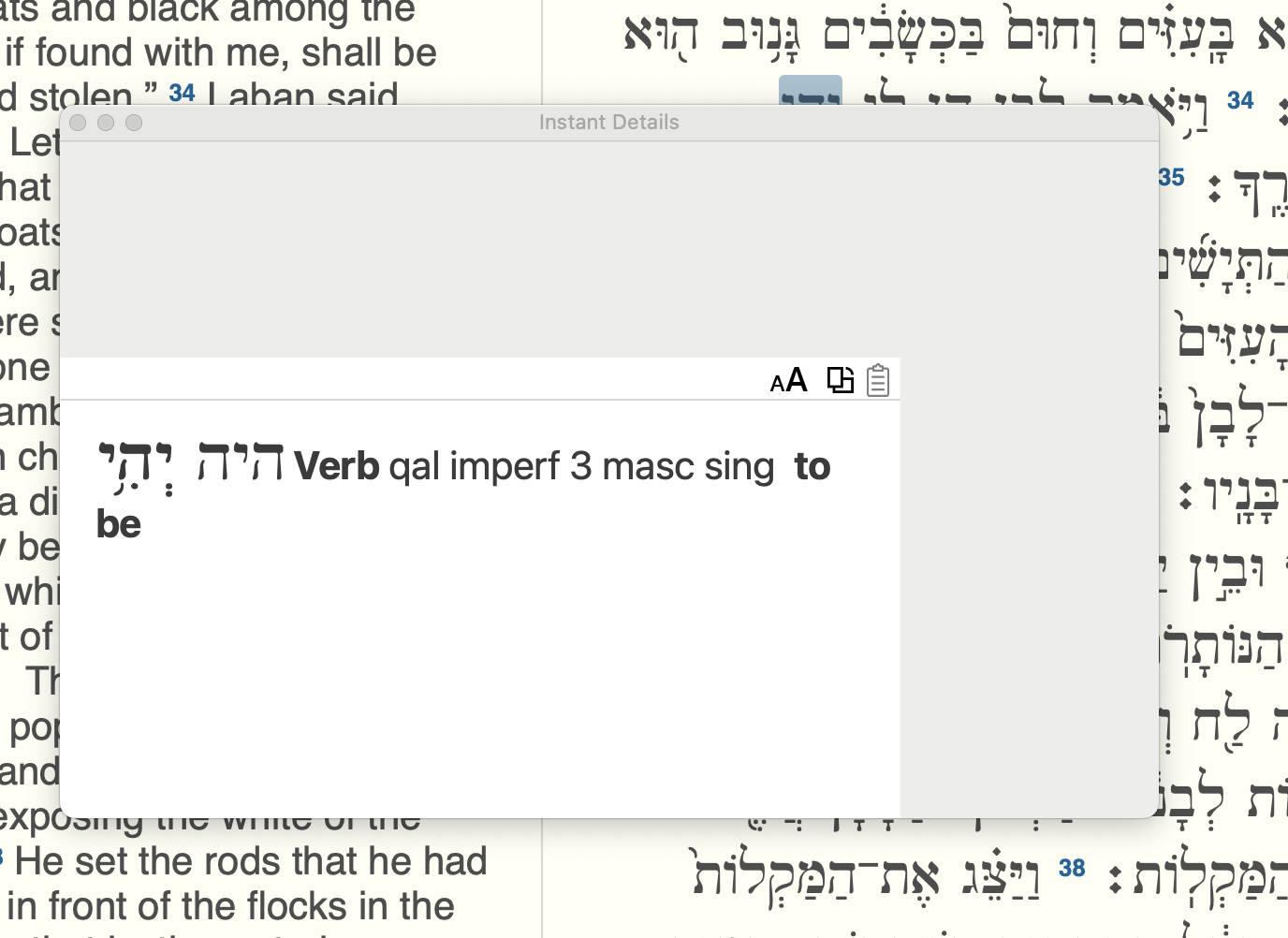
I recently installed Accordance 14.1.1 on my first ever MacBook Pro 16 (Sequoia 15.5) after using Windows machines for decades. I like to have my Instant Details as a floating window, so I can put it somewhere out of the way. However, when I grab the corner to resize it, the window resizes, but the information does not. In other words, I can make the floating window as large as I want, but the information shown remains in the bottom left corner & doesn't expand with the window.
I did manage to get the information portion bigger somehow by playing around with it, but it now exhibits the same behavior, just with a bigger info portion.
It's big enough now to be usable (before, it barely showed one line of info), but it's still not quite the aspect ratio I prefer.
I'll include a screenshot for reference. What I'd like to do is make it a bit taller and thinner.
Thanks for any thoughts on this,
Matt
-

I'm on an Intel Mac running Ventura, and I'm seeing the same thing. I'm quite certain that it didn't always used to be that way but I can't say when it started happening, as I don't use the floating ID option all that much.
1 -

I can't confirm.
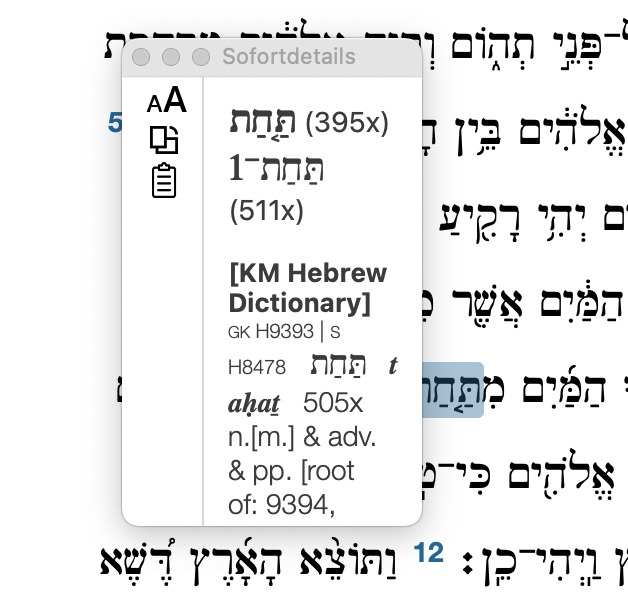
The smallest.
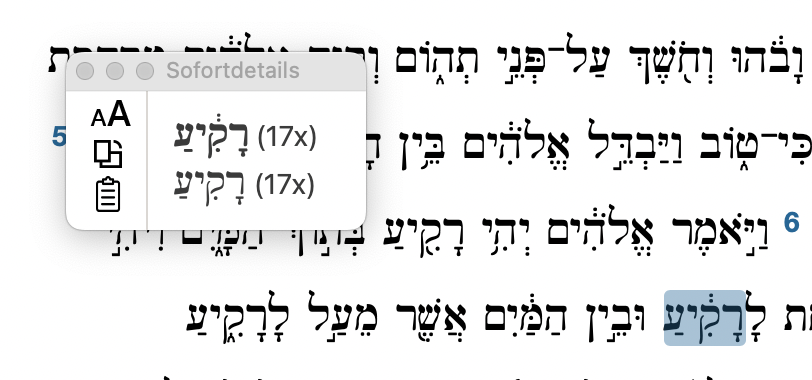
Rotated:
 0
0
Please sign in to leave a comment.
Comments
2 comments