Book Continues to Not Update

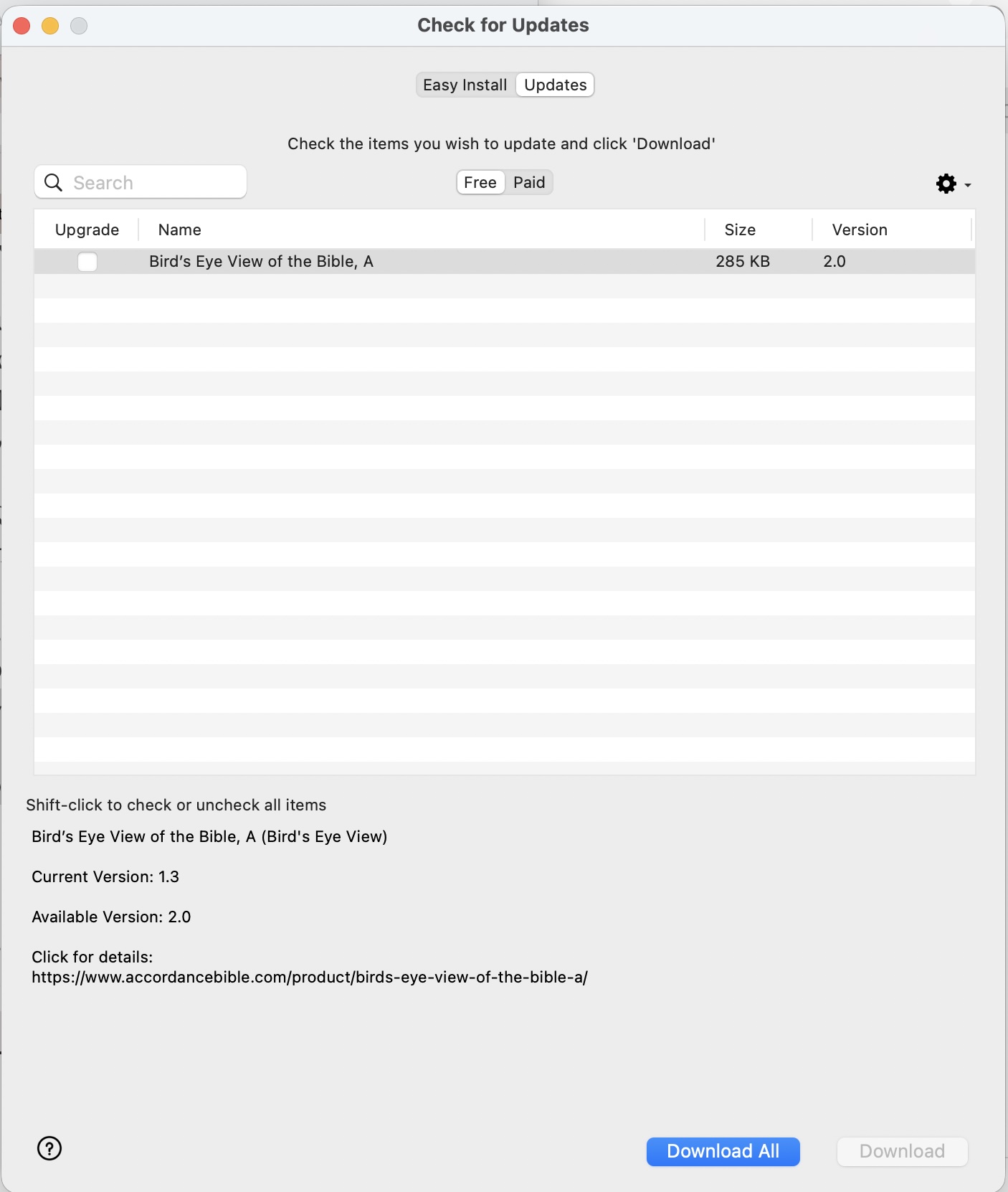
Bird's Eye View of the Bible, A
Continuously shows up in the Check for Updates.
It neither goes away nor updates.
This has been a bug for a long period of time through many updates and is present on the beta version as well as the non-beta version.
-

It happened to many in the past.
You need completely to remove the module, and then download it again through ‘easy install'.0 -
Thank you.
0 -

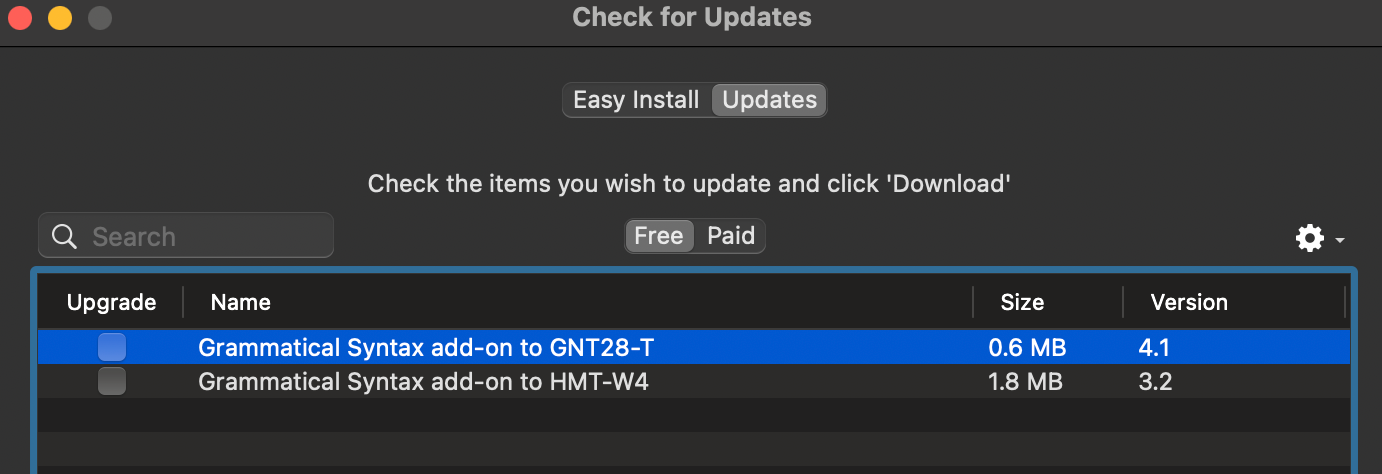
I have the same situation here but with different modules. How do I remove the module completely?
 0
0 -

I included the below in my response to another of your posts, but in case you don’t see it there, and for the sake of others who see this post and are wondering the same thing…
To remove/delete items from your installation, open the library pane. Select the item you need to remove. Scroll down to the bottom and click on one of the buttons there. (One is a gear, I don’t remember what the other one looks like). One of them will give you the option to remove the module. I would remove it and put it in the trash. You may also be able to select the module in the library, control-click/right click/two finger click and opt to remove it from there, but I don’t remember if that is an option there.
Sorry to be a little vague. I’m away from my computer, so I can’t check the precise steps/descriptions.
0
Please sign in to leave a comment.
Comments
4 comments