Crash when scrolling through older Photo Museum module

I believe this issue is related to the crashing bug reported here:
If I open the older version of the Photo Museum in my library, and scroll down, Accordance will crash fairly quickly. When reopening, Accordance won't “remember” that's the module I had open…it will open to the module I had open immediately previously to the Photo Museum, and when clicking the library button at the bottom to choose a module to open, it will not show up in the "recently opened" list.
Like the problem module in the thread mentioned above, the image links are blue arrows in white boxes with brown frames. Unlike the crashes above, one does not have to click on the link to cause a crash, just scrolling is enough.
Also, note that I am assuming that all the links are blue arrows: There is one near the very top of the module; I can't scroll enough to see if there are others, because it crashes on scroll. The crash on scroll did not happen to me in the modules discussed in the above linked thread.
In the process of working with this, I discovered that I had purchase Photo Museum 3 at some point in the past and never installed it on my iPad. I did so, and it does not create problems. It embeds thumbnails in the module, not the blue arrow links, so I am not surprised by this.
Below is the “about” info for the specific module that is crashing for me:
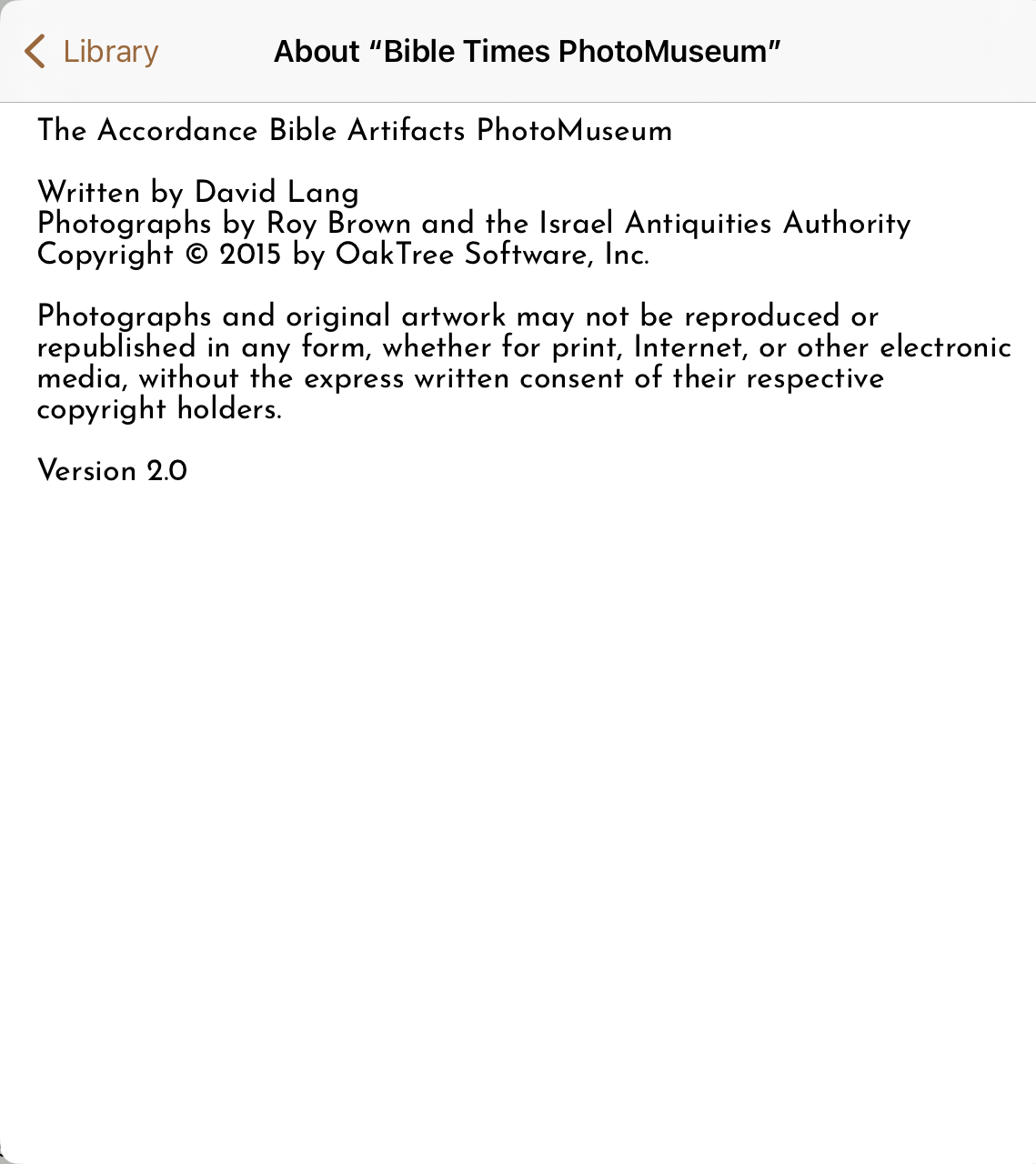
-

Adding the Archeological Study Bible to the list of modules with this issue.
Archaeological Study Bible Copyright © 2005 by Zondervan All rights reserved Published by Zondervan Grand Rapids, Michigan 49530, U.S.A. Electronic text hypertexted and prepared by OakTree Software, Inc. Version 1.6
This reinforces the suggestion that all modules that use the blue box/white arrow/brown border link are a problem.
0
Please sign in to leave a comment.
Comments
1 comment