14.1.b3 on Windows 10: Sync will not complete

After installing 14.1.b3 on the Windows machine in my office, I've tried repeatedly to sync. WHile the progress bar gets all the way to the end and says 100%, it also eventually either shows an “unable to sync” notice or just hangs. Below are some screen shots to illustrate.
On first sync attempt, this is what I saw eventually:
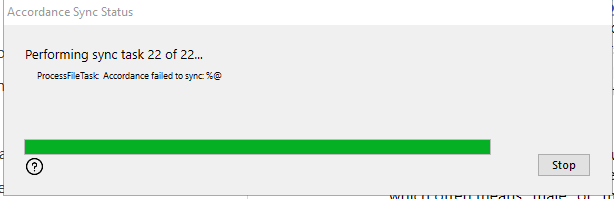
I quit Accordance and tried again…this time it only listed 1 task, hit the 100% spot on the bar and hung…without the “ProcessFileTaks” notation.
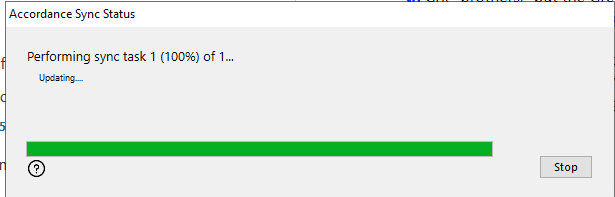
I had to force Accordance to quit. Everything on the computer at that point was hung or painfully slow, so I forced a restart.
After the restart, I tried again. And got a similar response, although it showed 2 of 2 tasks. this time I clicked on the ? icon just under the progress bar, and got an additional warning:
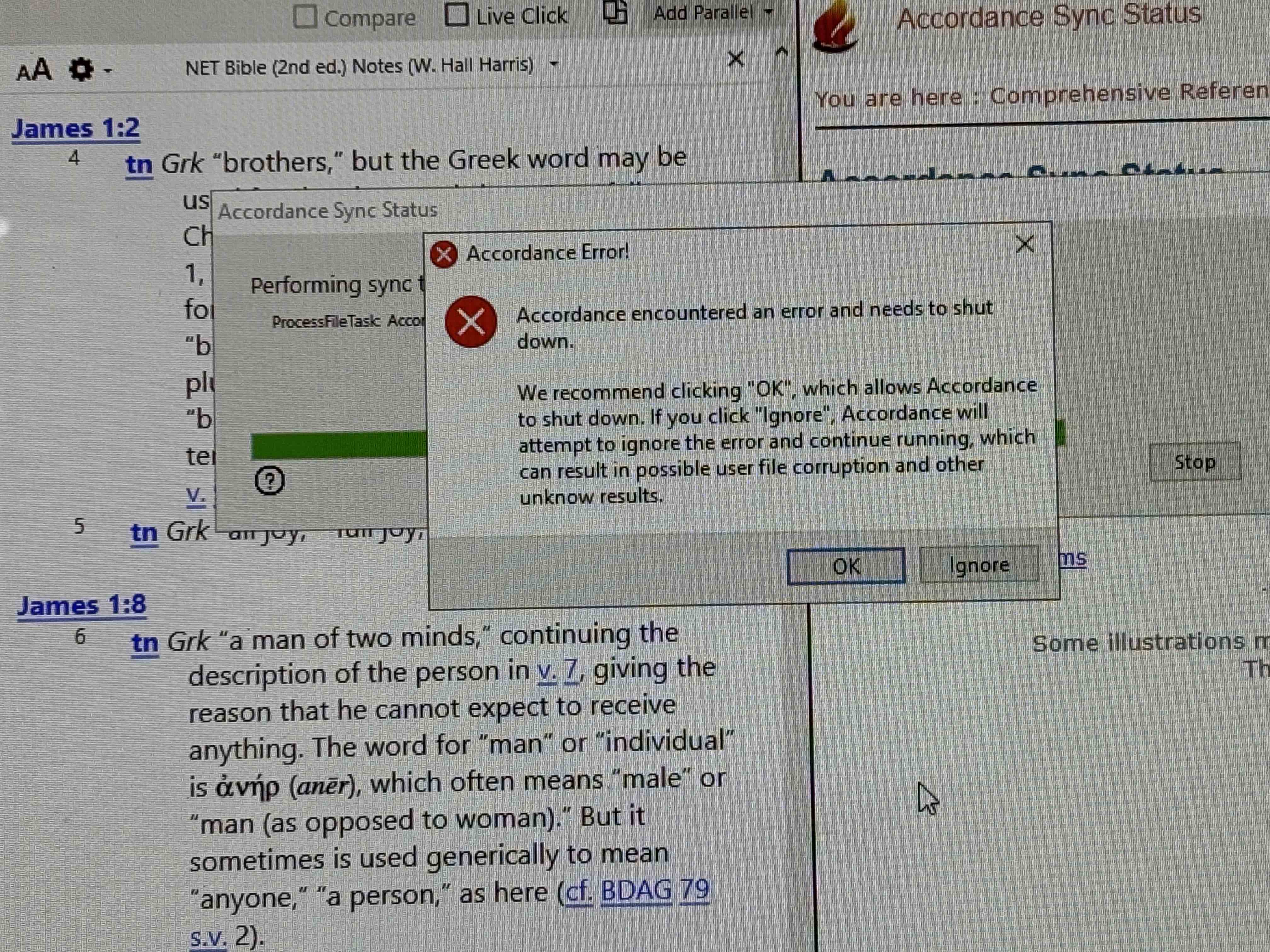
At this point I couldn't access the Windows taskbar to use the clipping tool for a screen shot, I had to use my phone. Note that the Accordance help file did open righ before the Error message appeared (although it was pretty instantaneous.)
-
I tried one more time, after opening in Safe mode and turning on the debug logging. Watching carefully, the sync popup/window clearly shows reaching 100% (it even says 100%), then right under the “Performing Sync” line it says “Updating”. it stays that way for a bit and then the FileTask error replaces Updating. This time that window/box/popup closed on its own.
I don't know where the “debug log” is kept on the Windows machine, but I'll happily share it if you can tell me where to find it.
0 -

It could either be in your Documents folder or on your C: drive. Should say Accordance Logs.
0 -
Error log presumably related to error warning shown above: https://www.dropbox.com/scl/fi/4gh6b06665ld2yjxvjdww/acc-err-log-250910-1105-07.txt?rlkey=ayix29af0ri2avehr4k03vfs9&dl=0
0
Please sign in to leave a comment.
Comments
3 comments