14.01b2 "Report a Correction" provokes erros

Accordance 14.01b2; Intel Macbook running Ventura
I ran across a typographical error in the JPS Megillot commentary, and tried to use the “Report a Correction” function (Help>Report a Correction). I got the below error:
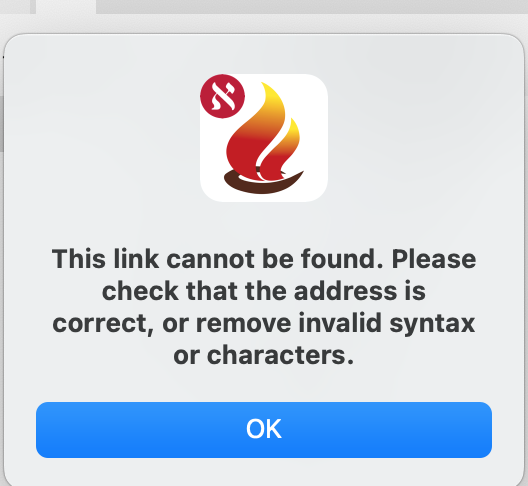
I tried several other modules and got the same error message.
-

What is your default email client set to? Does it work in 14.0.11 stable build?
0 -
Default email client is Apple Mail. That has not changed in a long time. It does work in 14.0.11.
0 -
Thanks! Sounds to be a bug for sure then. Thanks for reporting!
0 -

Lorinda,
Are you getting this alert after selecting “Report a Correction” OR when you click on the generated link in the email? If email, can you post the link?
I am able to “Report a Correction”, Help and Right-Click, on my Sequoia M2 and the generated link works too. (e.g. https://accordancebible.com/link/read/JPS_4_Megillot#1767 )
Mike
0 -
RIght after selecting “Report a Correction”. The email and link never generate.
0 -
This is still happening to me. I'm now on Accordance Aleph 14.1.2b2.
0
Please sign in to leave a comment.
Comments
6 comments