Disappearing Highlights

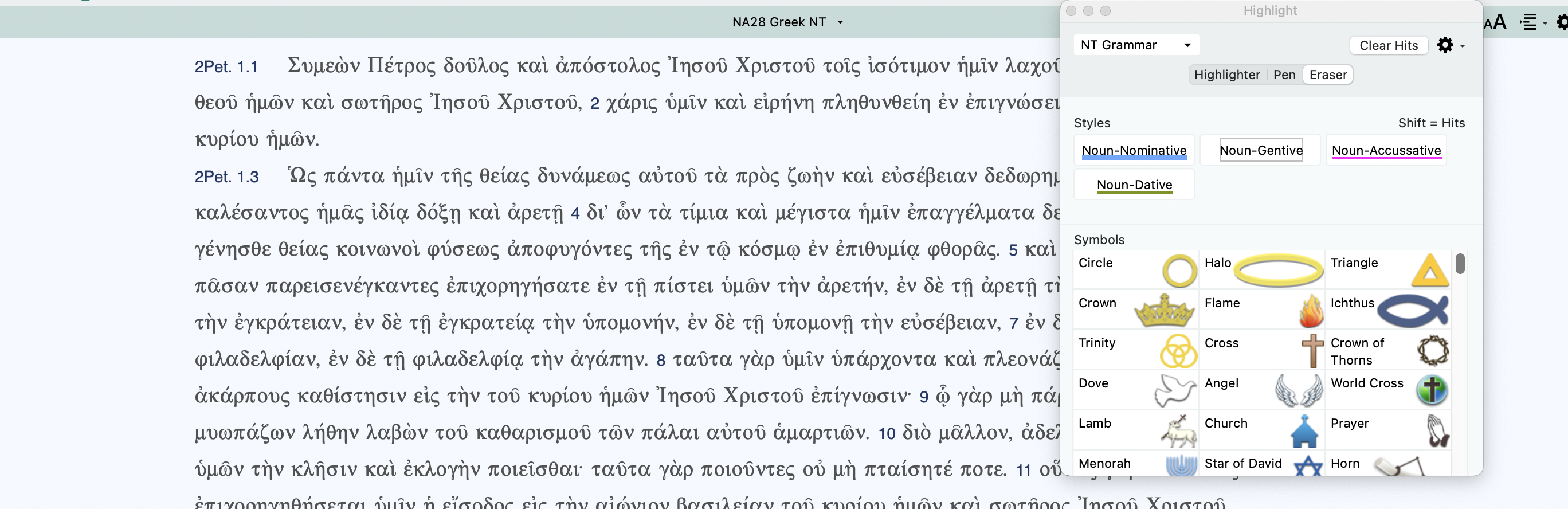
My highlights disappear after I close the program and reopen it. I've tried several times and am not sure why they won't show up even when I choose that particular highlight pallet. You can see from the screenshot below, I have the highlighting pallet active.
-

Are you running 14.0.11, and are you on an Apple Silicon Mac running Sequoia 15.5? Have you tried Safe Mode and checking your Mac's privacy settings?
0 -
Yes, I'.m running Sequoia 15.5. Accordance has full disk access to my Mac, so I don't know what the issue is
0 -
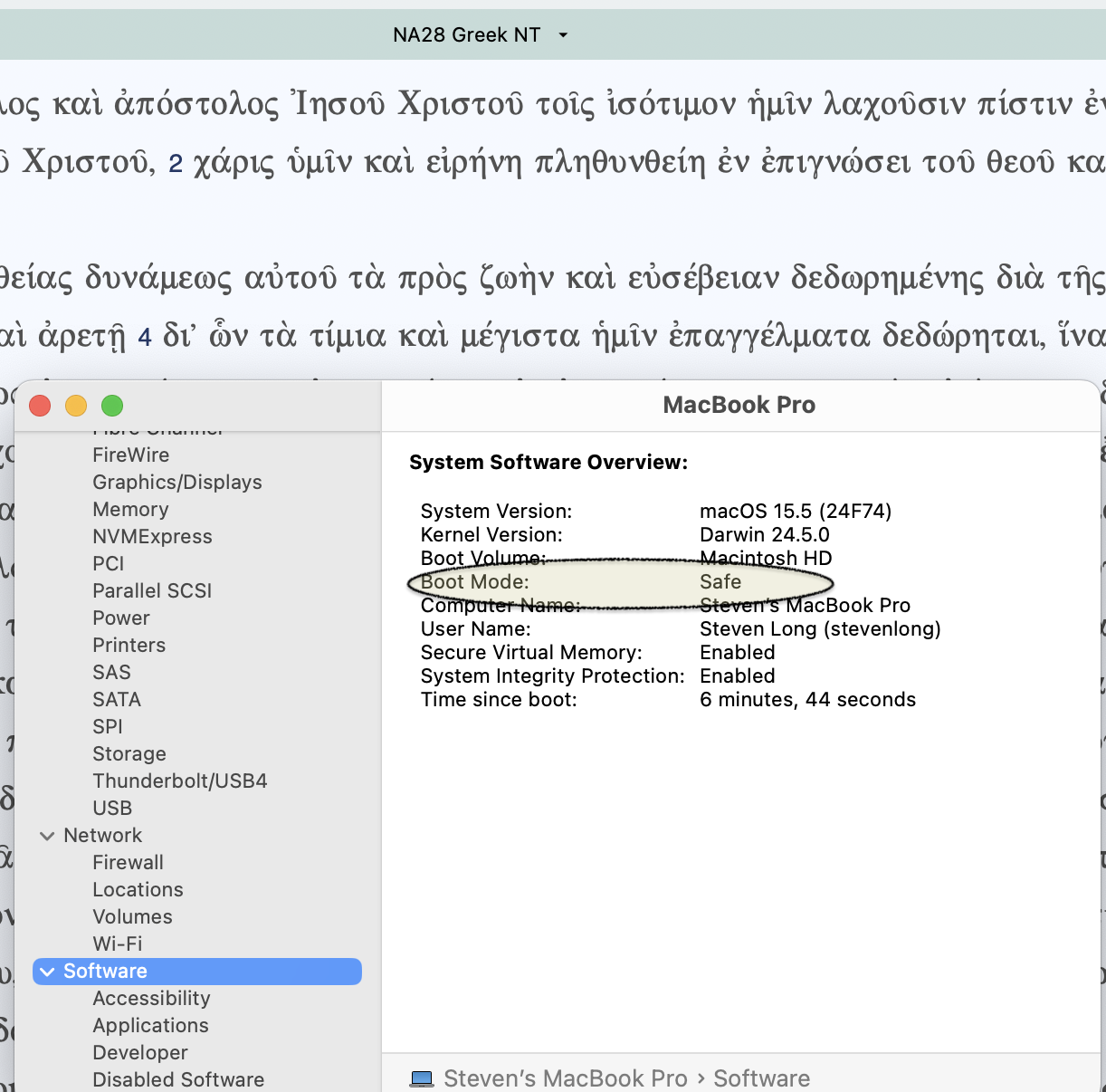
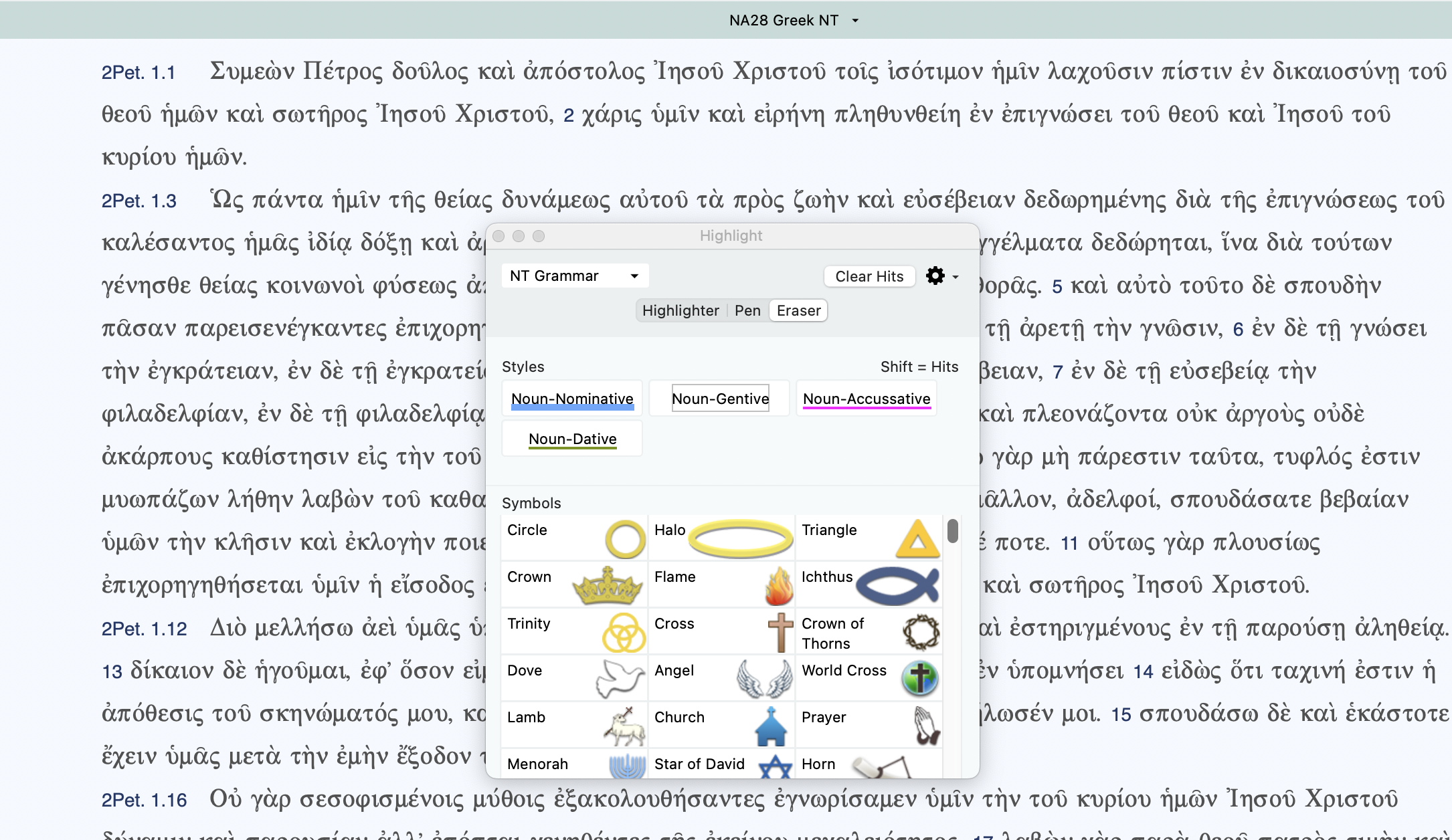
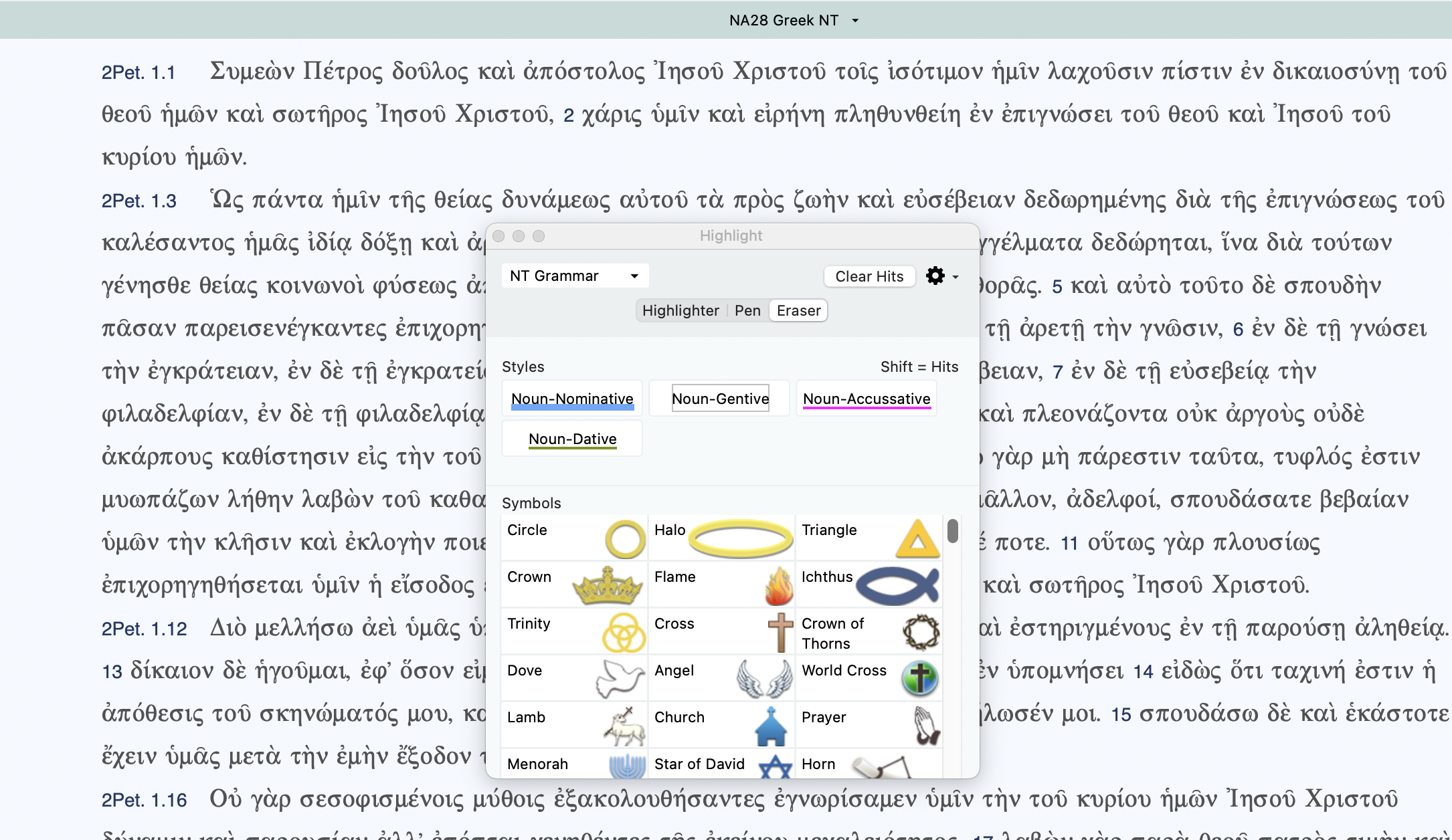
I've tried it in safe mode but the highlights are still not there.
 0
0 -

I think when they mentioned safe mode, they meant Accordance's safe mode. If I understanding the above images correctly, you booted you mac in safe mode. In terms of Accordance's safe mode, I'm not sure what of the various settings (described in the link above) would be helpful in your case. If it were me, I'd be most tempted to try to “rebuild ‘Text’ Settings,” although the amount of things I'd have to reconfigure would have me hesitant to try that without talking to tech support first.
0
Please sign in to leave a comment.
Comments
4 comments