Timeline

There seem to be some serious issues with the clickable portions of the timeline. My default dictionary is Erdman's. When I click the timeline from the Info pane, it opens up fine. But when I click on the 2Peter, Epistle of, it opens my dictionary to an article on Astronomy. I've tried several dictionaries this way and none of them open to the right article when clicking the book name. There is indeed an article of the epistle of 2Peter. See screenshots below.
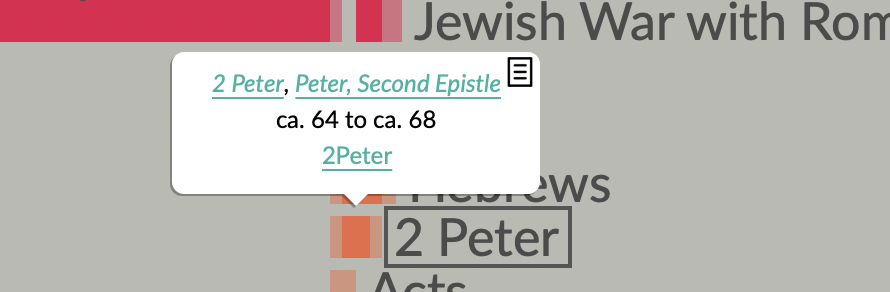
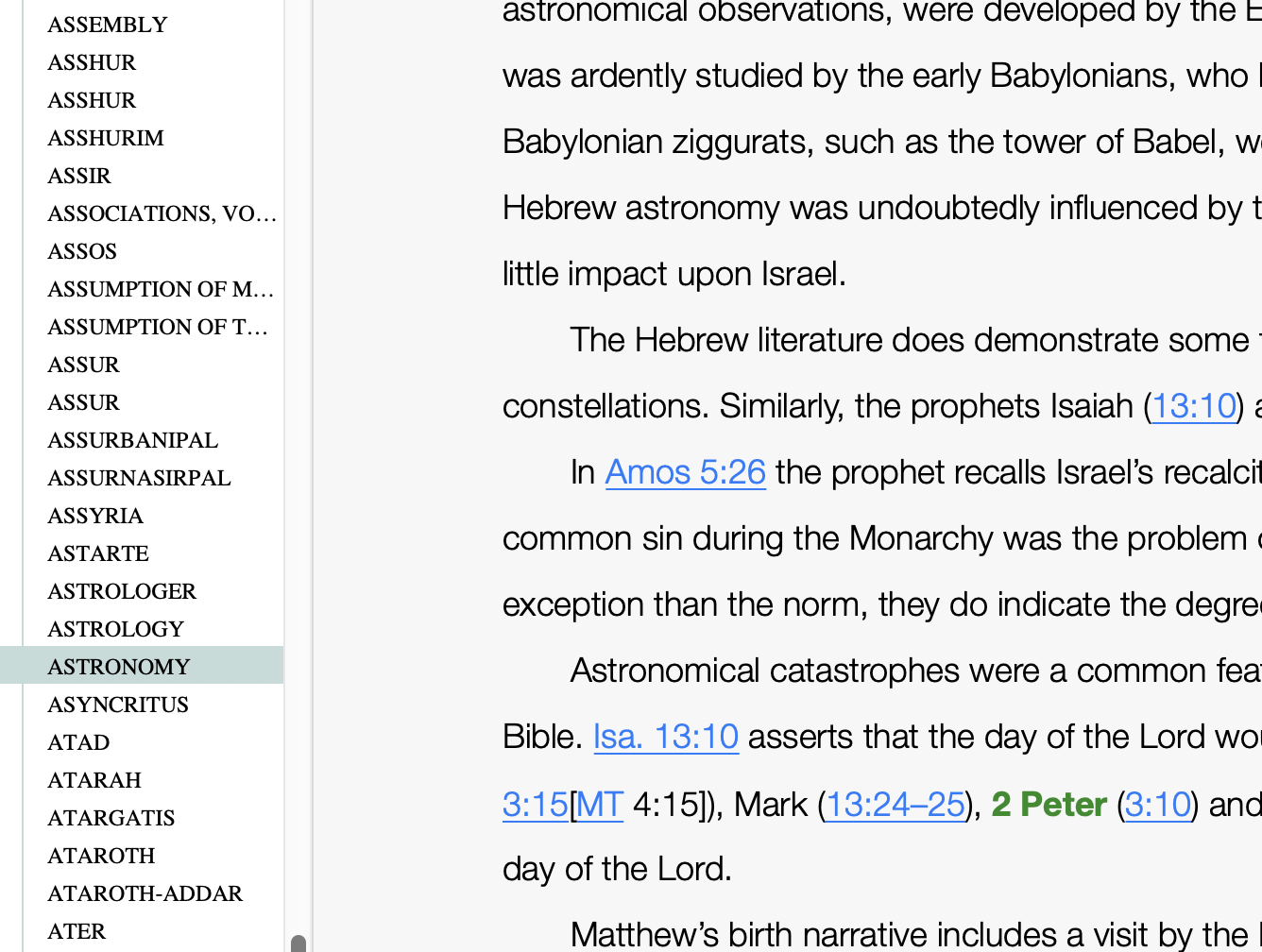
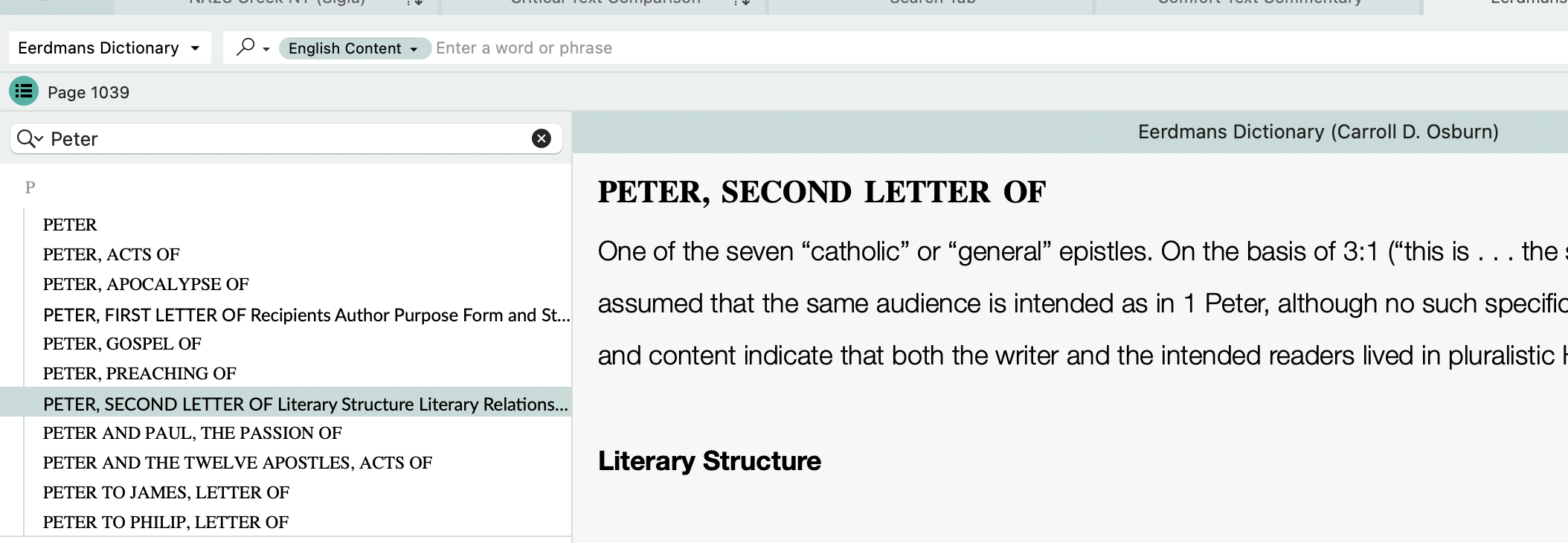
-

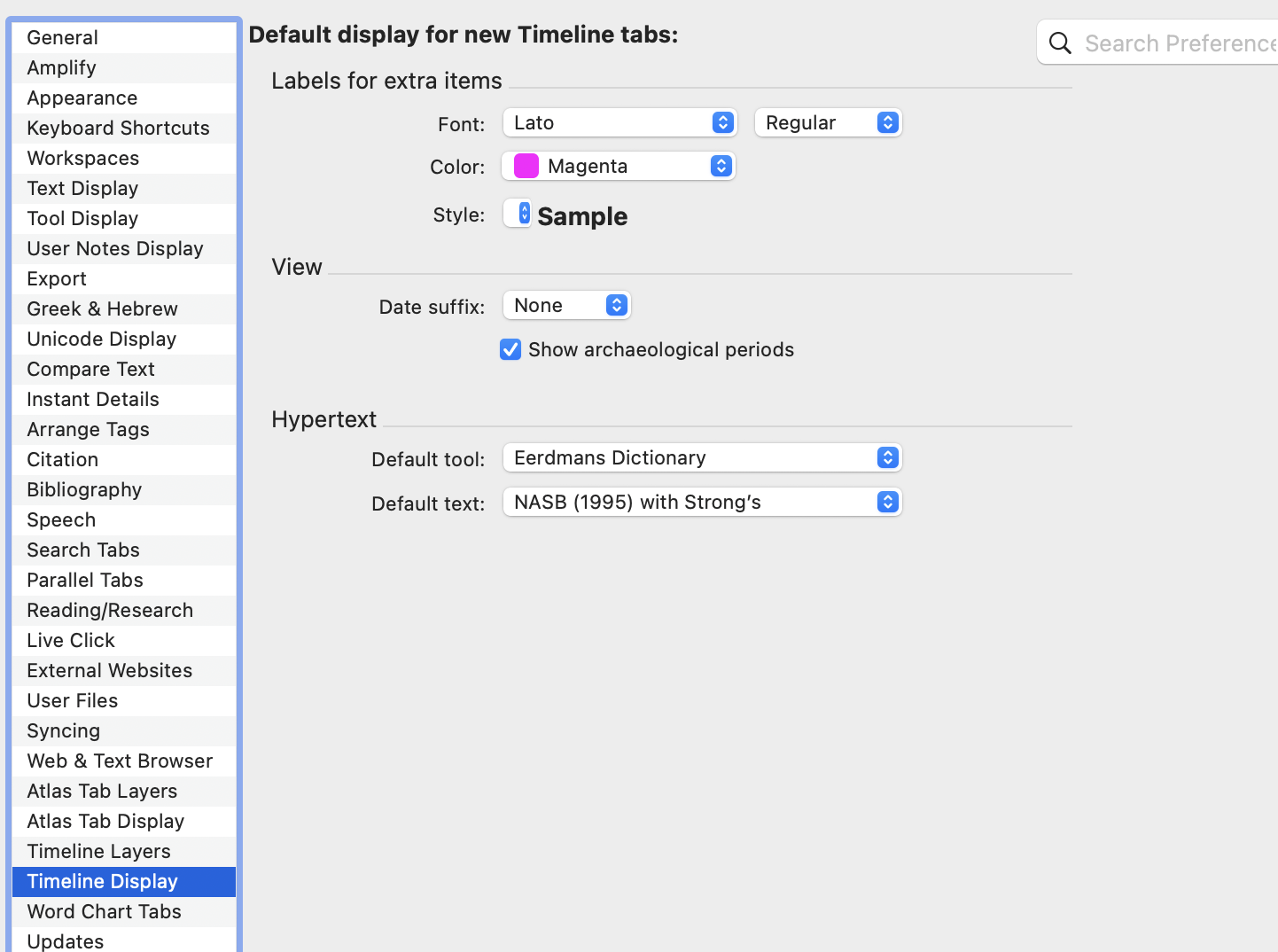
Are you setting the default dictionary in Settings (Preferences)>Timeline Display?
0 -
Yes.
 0
0 -
I see what's going on, but not sure of how the best way to go about resolving it. One of our module developers may need to look at this.
What is happening is the Timeline links are running a search for the literal term 2 Peter. Since 2 Peter is not in the title of any articles in Eerdmans, it is falling back to an English Content Search for 2 Peter, and the first place it appears is that astronomy article.
Eerdmans uses the term Peter, Second Epistle Of for its article title.
I'm not sure of the best solution for this. I will ask a module developer about it.
2 -
Thank you.
0 -

This is a problem with more than just Erdman's. There is a similar issue with using Anchor Bible Dictionary as the Default Tool. In the case of Anchor, it's not that one is led to an article as unrelated as “Astronomy,” but that the hits are to any heading in the work that cites 2 Peter. So, the first hit that appears is for the section on 2 Peter in the article on the Kingdom of God, rather than the article on the book of 2 Peter:
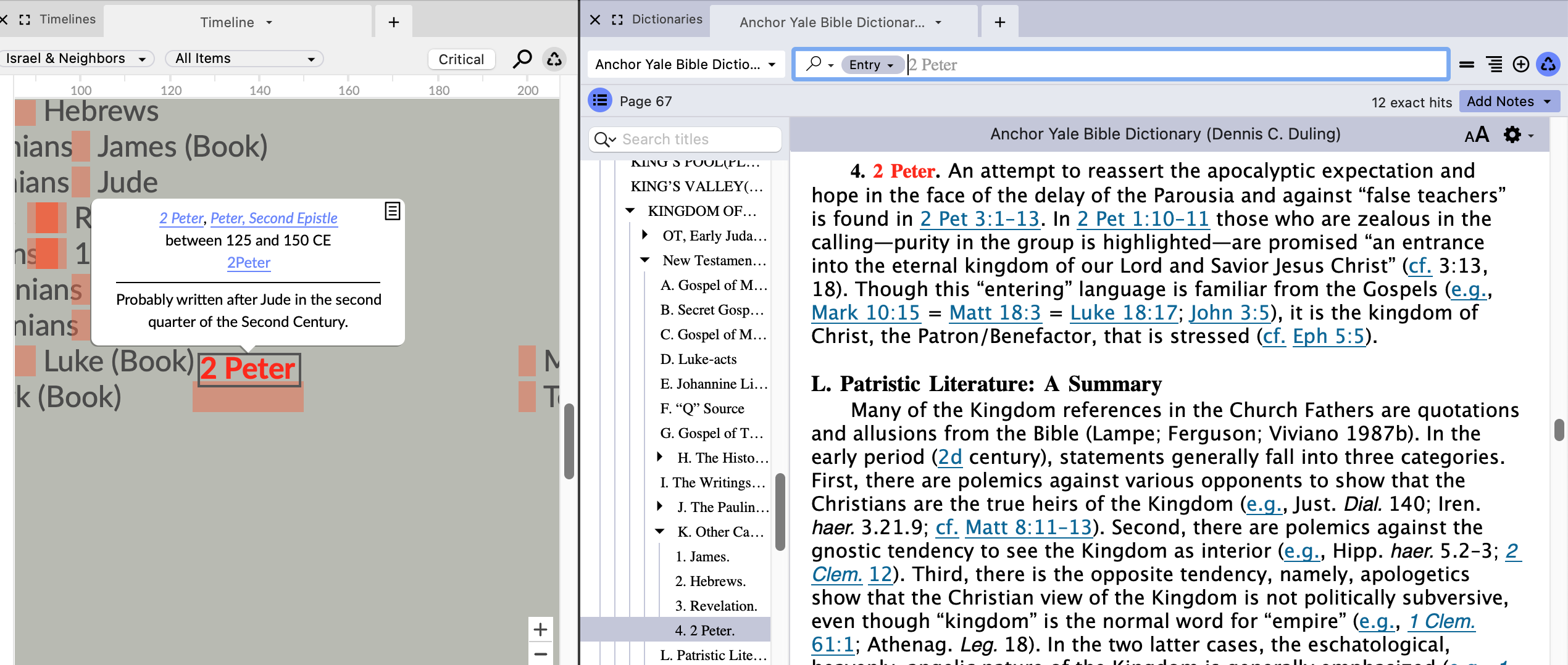
There are two puzzling things in this regard, however:
1) in the case of 2 Peter in particular, the timeline module offers two separate links: 2 Peter and Peter, Second Epistle. You would think that the “Peter, Second Epistle” link would at least go to the Anchor article that matches that.
2) When hovering over the entry name, the Instant details pulls up the Anchor Bible entry for 2 Peter, not one of the other other hits. This is true for most of the Timeline entries of books. In a few cases (Like James, Luke, and John) the ID shows the article for the person with that name. So Accordance knows how to find the correct entry there, just not in the links that appear in the info box.
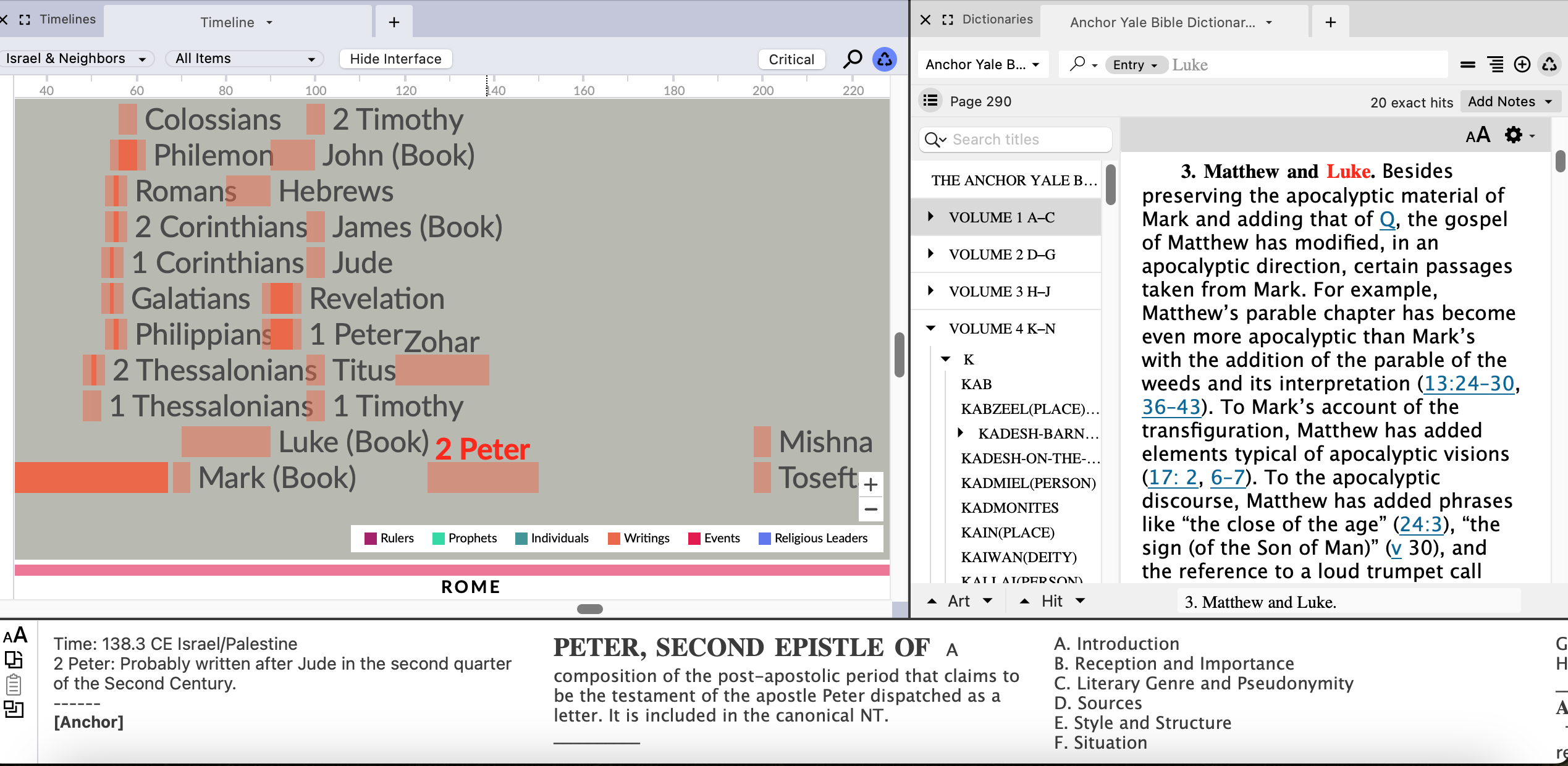 0
0
Please sign in to leave a comment.
Comments
5 comments